Our Apps
Productivity applications crafted for end users.

AuCut
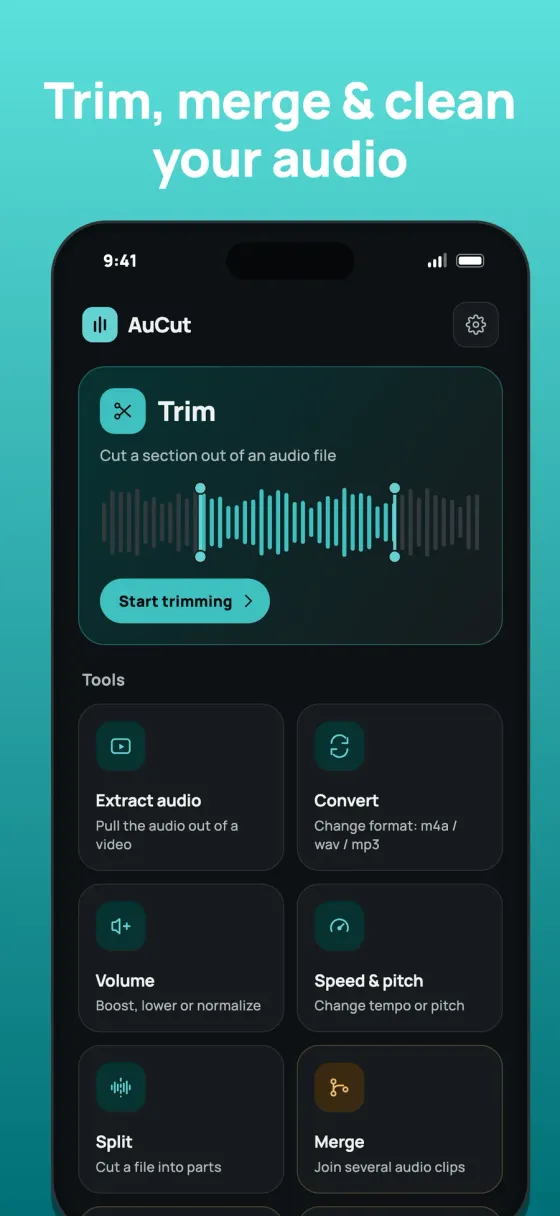
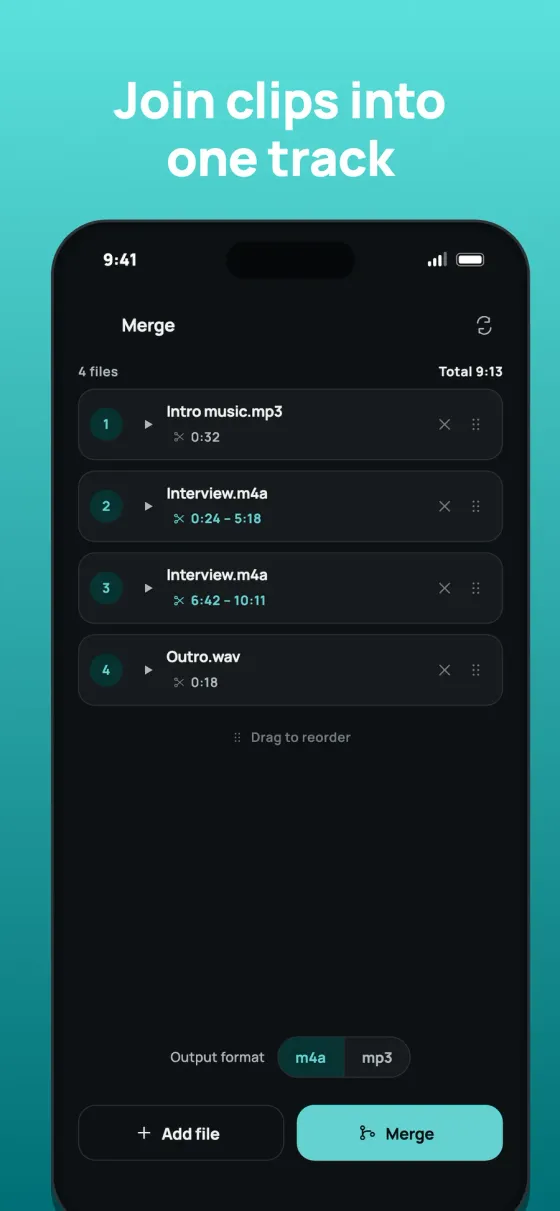
Cut audio and extract it from videoAuCut is an audio cutter and editor for iPhone and Android, free to download. Trim an MP3, merge and split audio files, convert between MP3, M4A and WAV, and pull the audio out of a video in one tap. Remove background noise, change the speed or pitch, boost or normalize the volume, and clean up a voice memo in one step. Everything runs on your device, so it works offline, needs no account and never uploads your files.
iOS Android iPhone with iOS 15.0 or later



MRecov
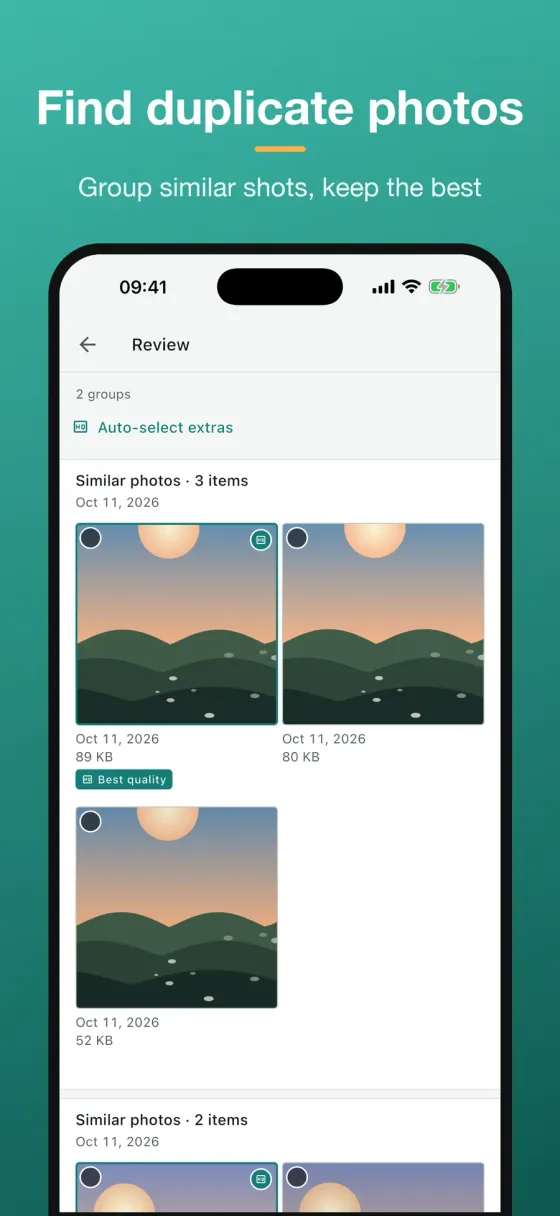
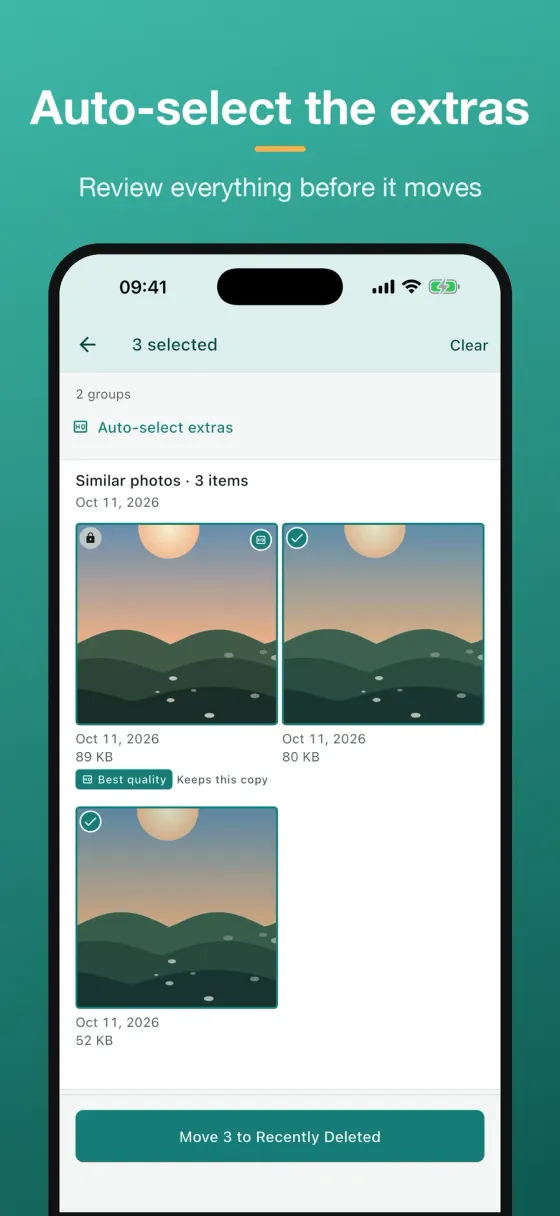
Clean up duplicate and blurry photosMRecov tidies up your photo library on iPhone and Android: it finds duplicate and near-identical photos, spots blurry or low-quality shots, and makes photos smaller to free up space. On Android, it also scans the phone and SD card for recently deleted photos, videos and audio that may still be recoverable, and restores the ones you pick. Your photos are analyzed on your device and never uploaded, and no account is needed.
iOS Android iPhone with iOS 15.0 or later

ResumeX
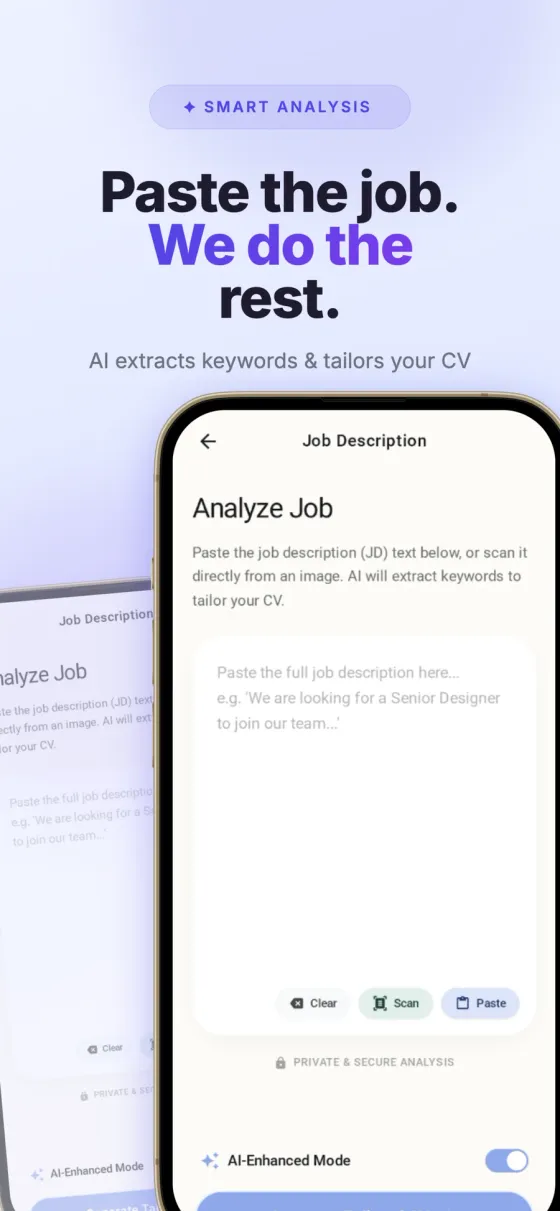
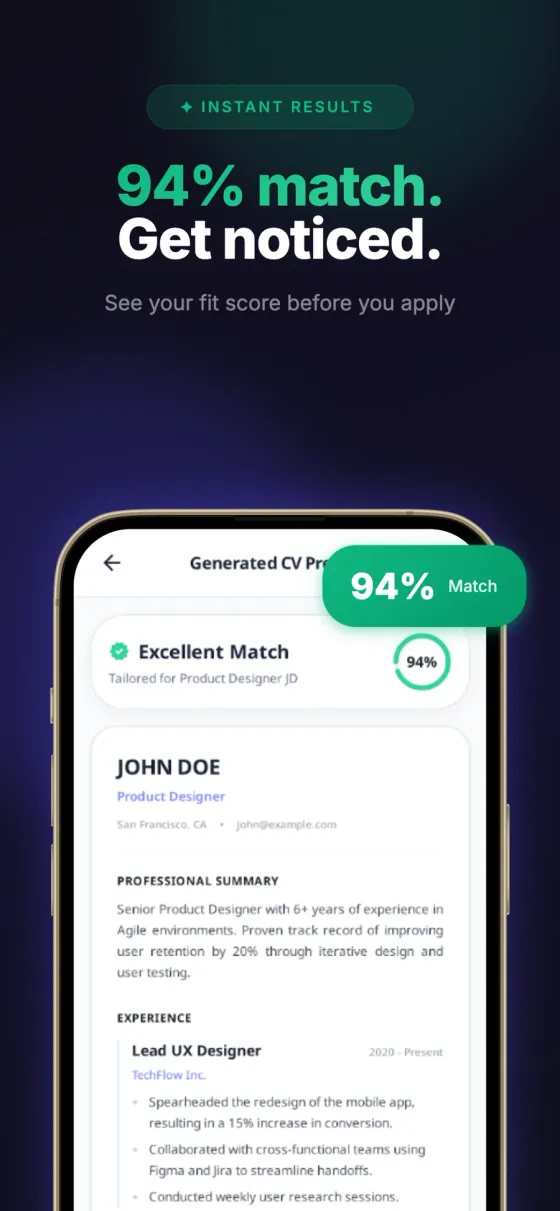
Tailor your resume to each job with AIResumeX is an AI resume builder for iOS and Android. Build a Master Profile of your career once, from a LinkedIn URL, a PDF or a chat with the AI. Then paste a job description: ResumeX writes a CV tailored to that job, shows a match score from 0 to 100% before you apply, and exports an ATS-friendly PDF in seconds.
iOS Android iOS 15.5 or later

Koedori
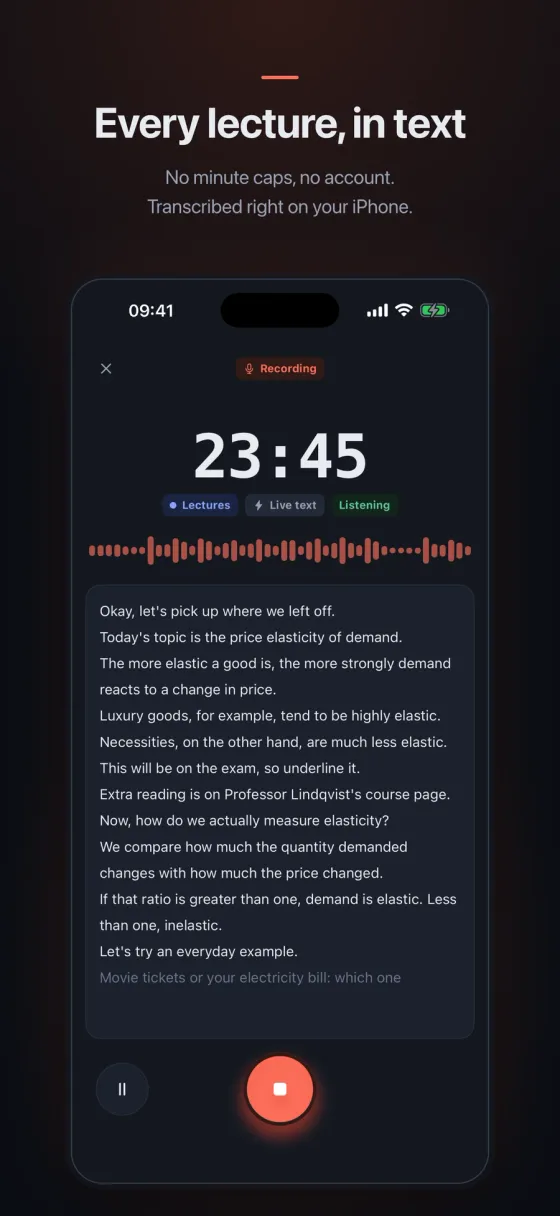
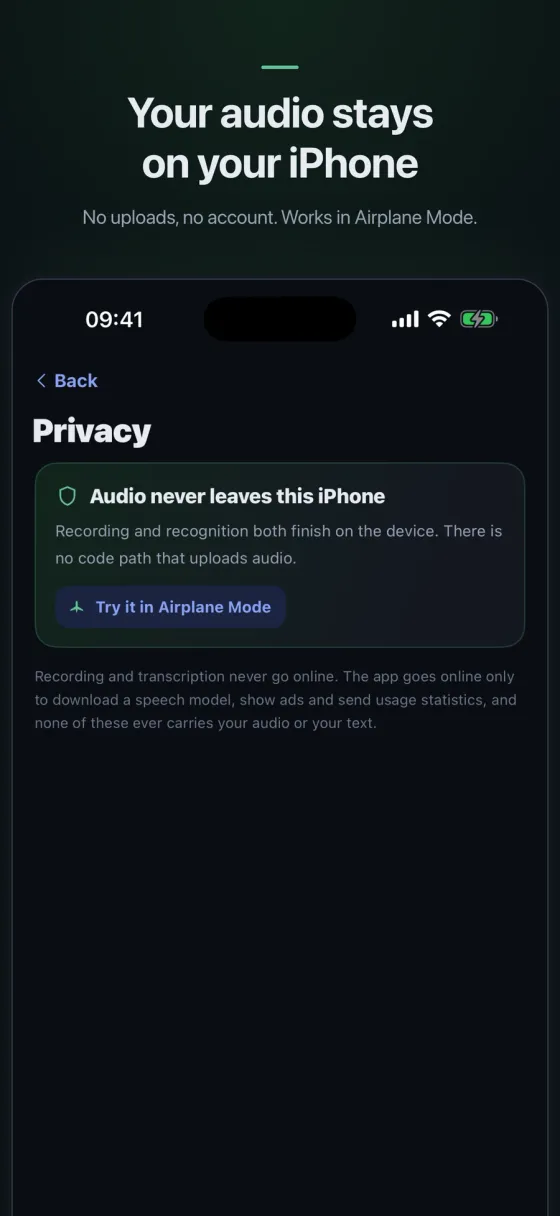
Record lectures, transcribe them offlineKoedori is a free iPhone app to record a lecture, meeting or interview and transcribe it to text. It is an offline transcription app: it converts voice to text on the device itself, with no account and no limit on hours, and works in Airplane Mode once your language's speech model is downloaded. Your audio never leaves your iPhone. Transcribe voice memos, videos and old recordings too, search every transcript, and export as text, Markdown, SRT or WebVTT subtitles. It transcribes about ten languages, including English, Japanese, Chinese, Korean, Spanish and French.
iOS iPhone with iOS 26 or later

Noise Meter
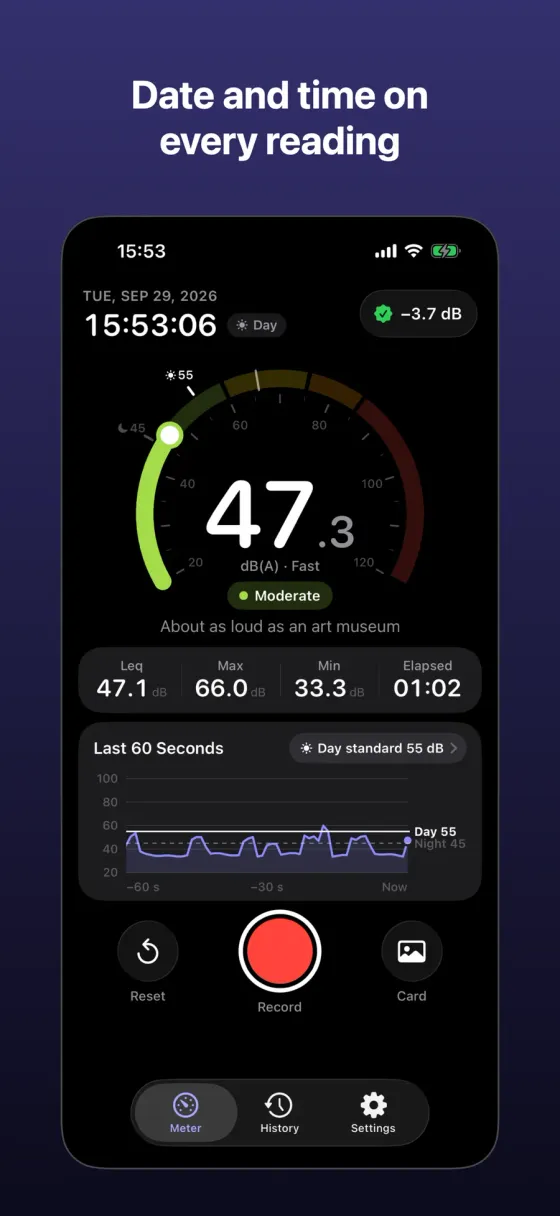
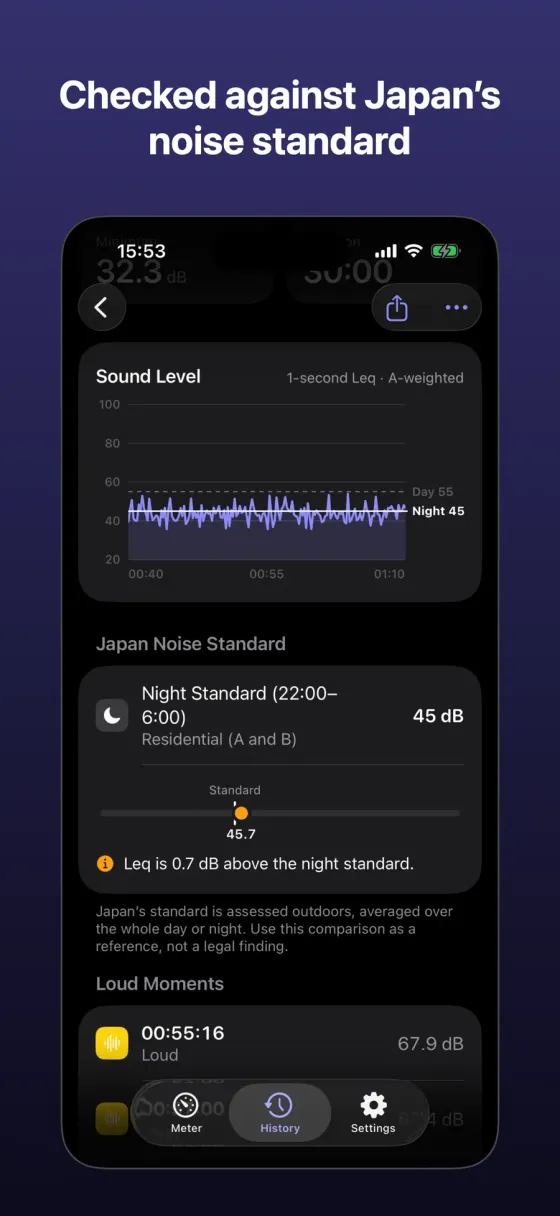
Decibel meter with date and timeNoise Meter measures sound levels in decibels with your iPhone’s microphone and keeps the date and time with every reading. Record a whole night, compare it with Japan’s day and night noise standards on every chart, and share a card with the average and maximum. Readings depend on your iPhone’s microphone: a one-minute check confirms it responds, and matching a dedicated sound level meter calibrates it. Noise Meter never records audio, only the level of each second; it needs no account.
iOS iPhone with iOS 17 or later

CopyStack
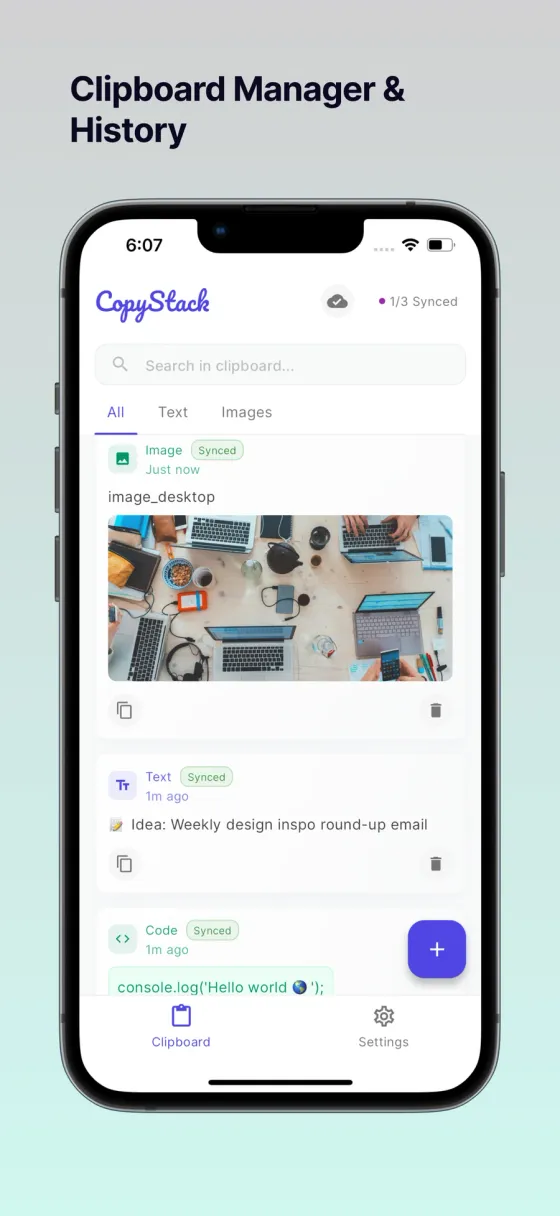
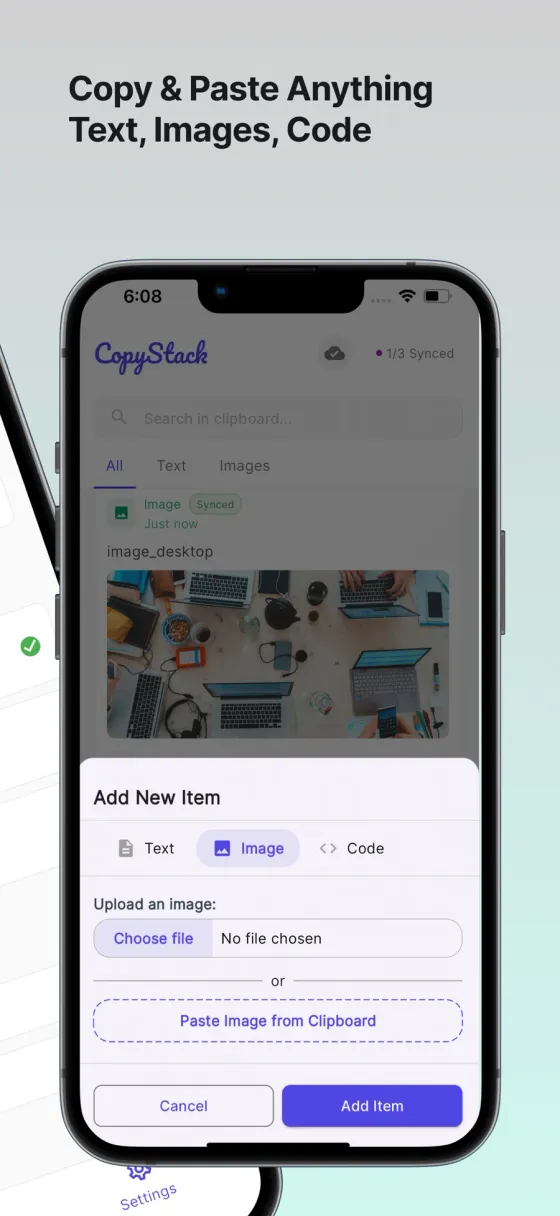
Copy on one device, paste on anotherCopyStack is a clipboard manager for iOS, Android and the web. Paste text, links and images into it, and it keeps them in a list: tap Copy on any clip to use it again. Sign in, and the list syncs between your phone, tablet and browser, so you can copy on one device and paste on another. Without an account, your clips stay on your device, and you can share them with another device on the same Wi-Fi.
iOS Android Web iOS 15.0 or later

Red Sheet
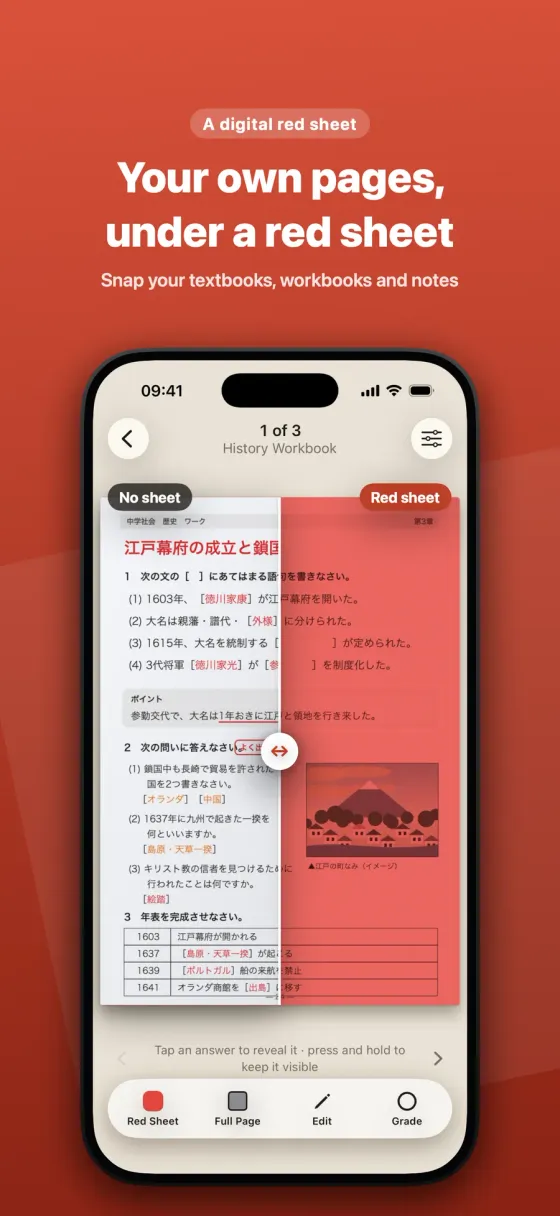
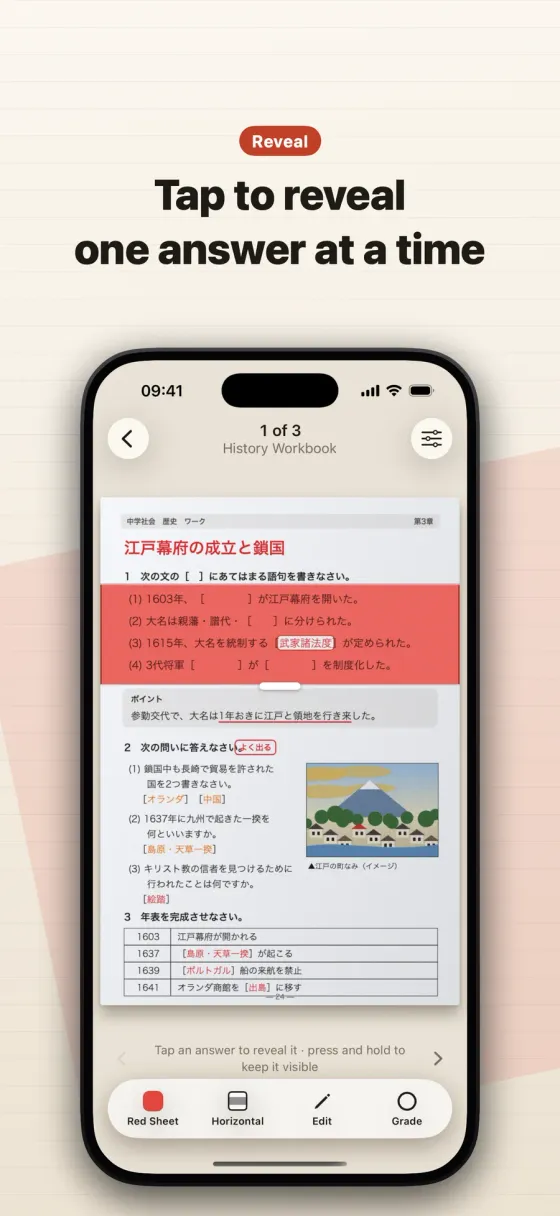
Turn your notes into a quiz, no typingRed Sheet hides the answers on photos of your own notes, textbooks and worksheets, the way the red plastic sheet students in Japan lay over their notes does. Snap a page, scan it or import a PDF, and it finds what you wrote in red, orange or pink pen and the words under a green highlighter. Tap to reveal one answer at a time, mark it right or wrong, and the ones you missed come back the next day.
iOS iOS 17.0 or later

ShotStamp
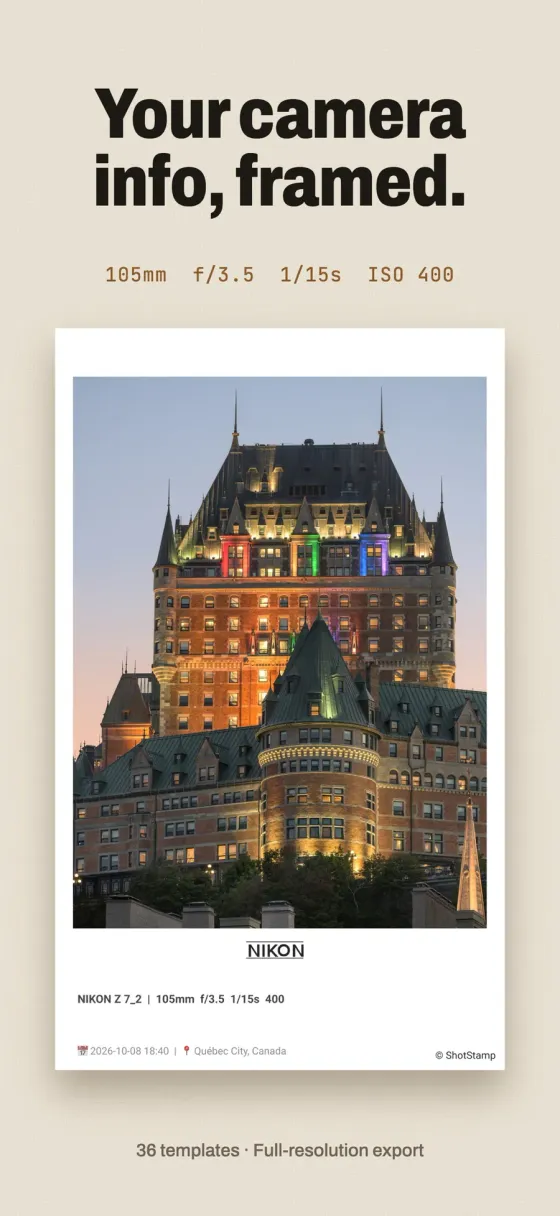
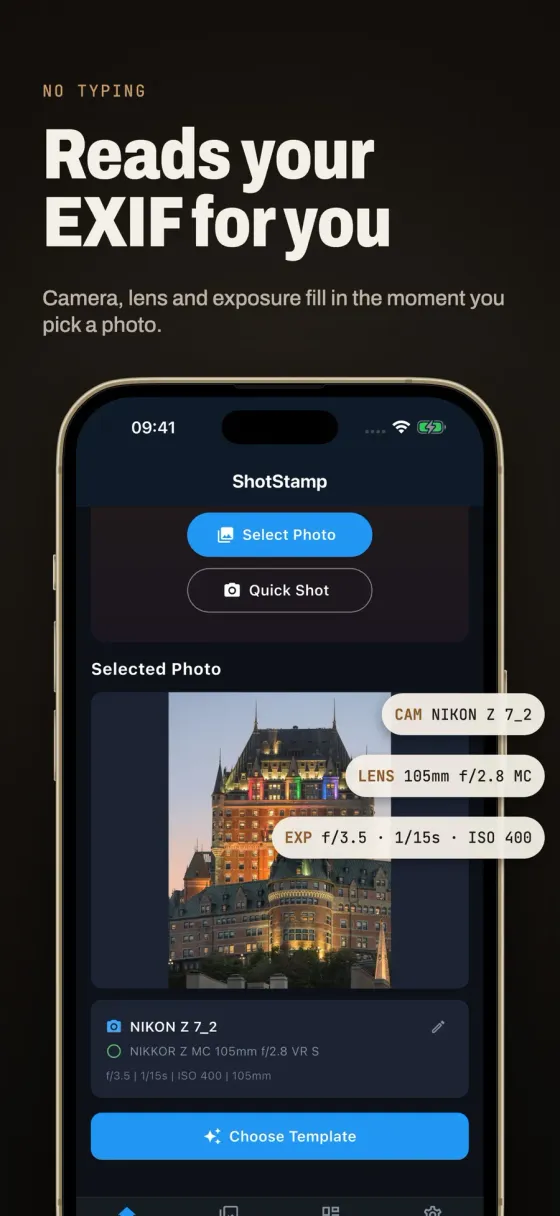
EXIF watermarks and camera info framesShotStamp turns the shooting data inside your photos into a clean frame or stamp. Pick a photo from a mirrorless camera, a DSLR or a phone, and the camera, lens, aperture, shutter speed, ISO, focal length, date and location fill in on their own. Choose a frame, stamp the time and place, and export for feeds, squares and stories as a full-resolution JPEG that keeps your EXIF data. Stamping and export happen on your device: your photos are not uploaded.
iOS Android iOS 13.0 or later W Lab × Ketch Studio

S-ADB
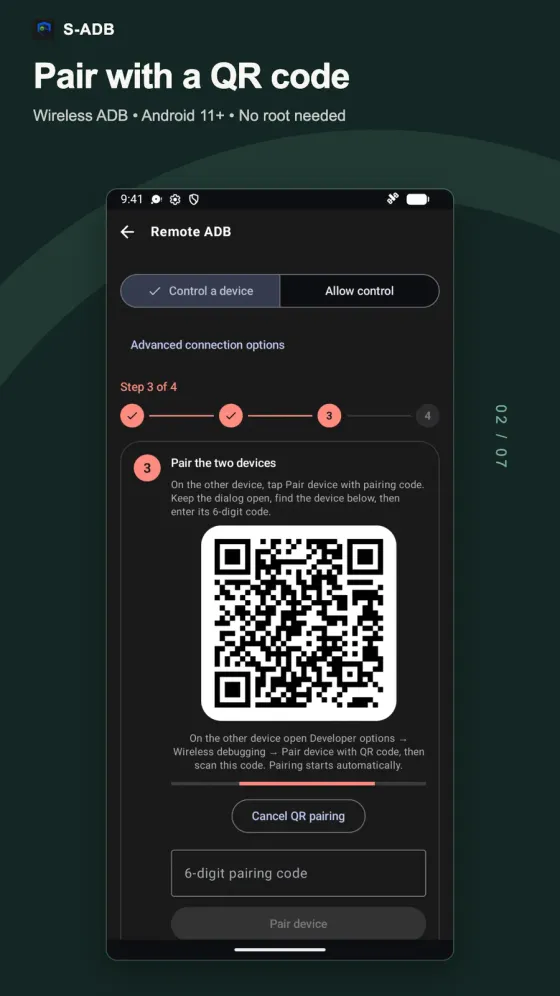
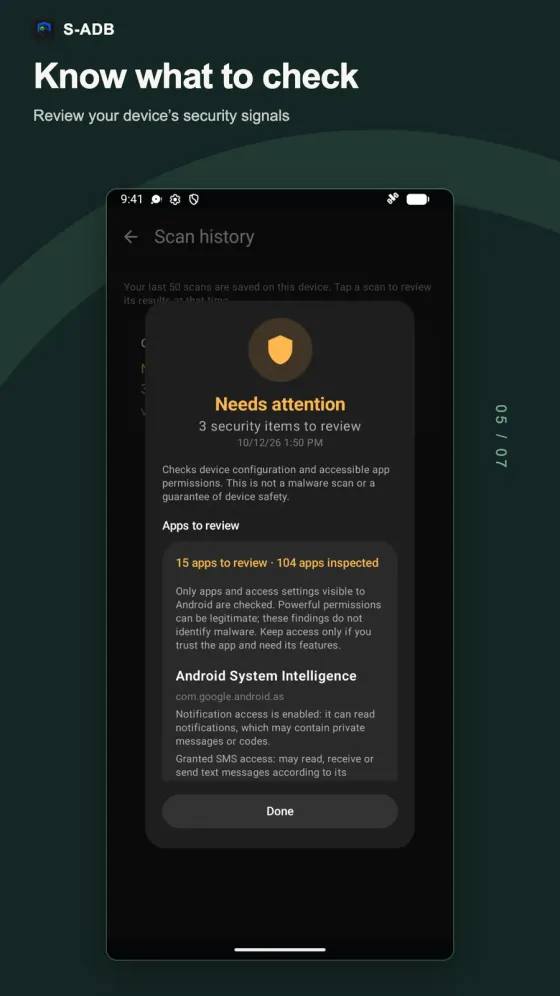
Wireless ADB pairing and Android debug toolsS-ADB puts Android debugging in one clear place: see your ADB status, pair over Wireless ADB, control another Android device from your phone, and review what a device is telling you. Wireless ADB pairing works on Android 11 or newer and needs no root; some power-user tools need root or manual setup on your device. Remote control is off by default: the other device must opt in and approve each connection on Android’s own ADB prompt, and it works on your local network.
Android W Lab × PixelAI Lab

Wildward
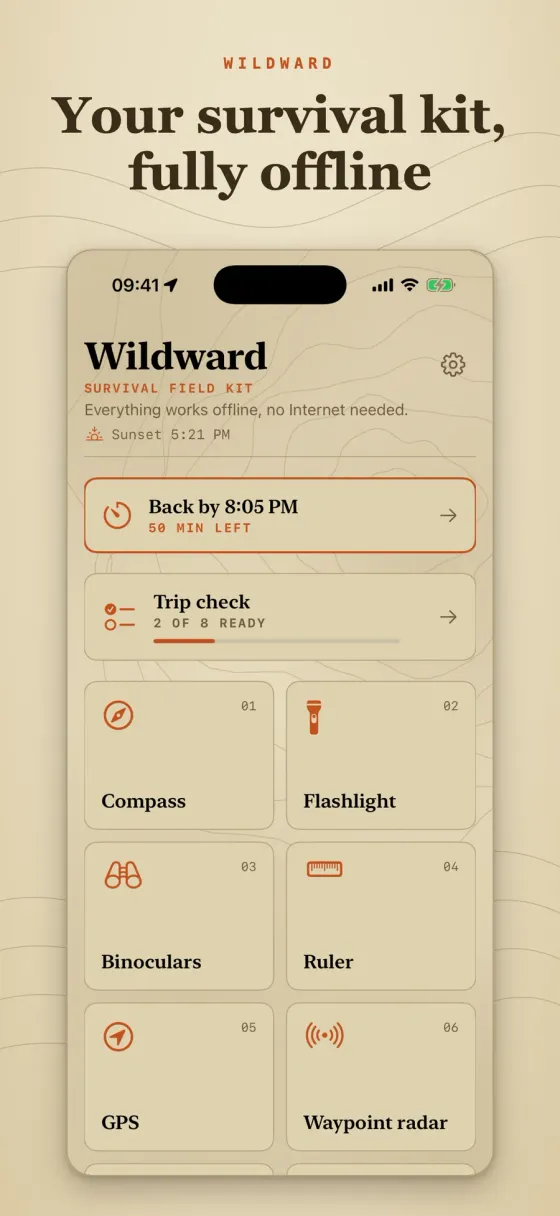
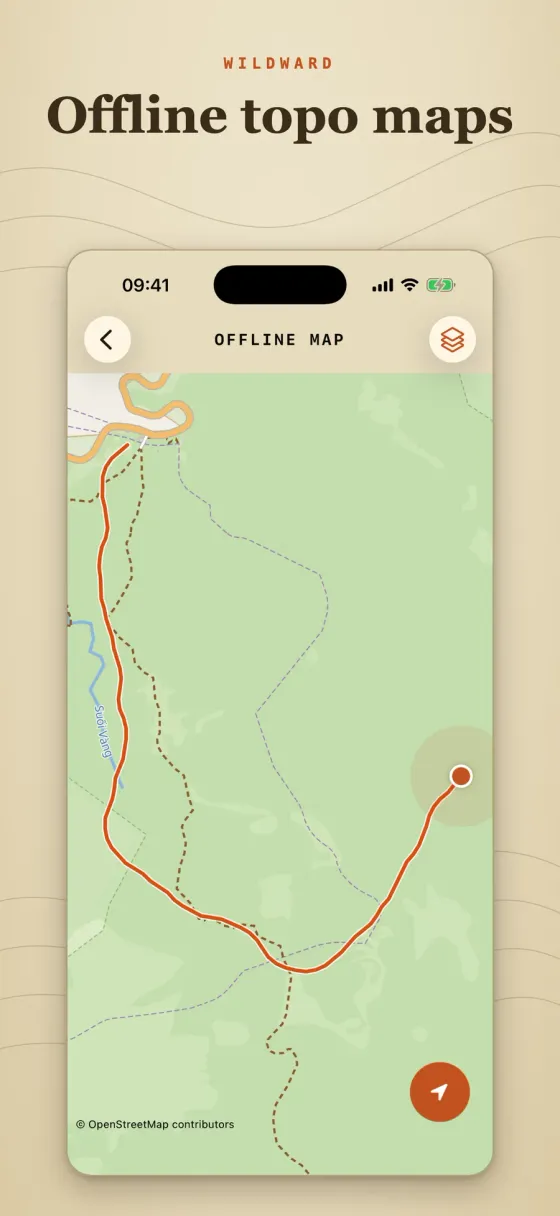
Offline survival kit for the outdoorsWildward puts the tools you want on the trail in one app that works with no signal, no Internet and no account: offline topographic maps, a compass, GPS coordinates, track and backtrack, an SOS screen and a check-in timer. Phones nearby can share positions, messages and SOS alerts over Bluetooth, without a mobile network. It also has a survival guide, a whistle, a flashlight and a red night mode. Everything stays on your phone.
iOS Android iPhone with iOS 17.0 or later
Coming soon to the App Store and Google Play.

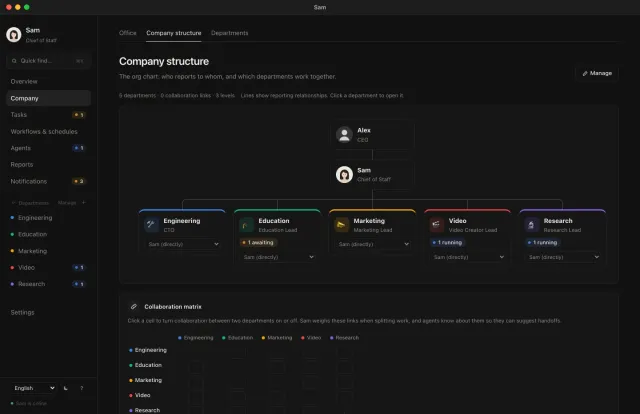
Sam
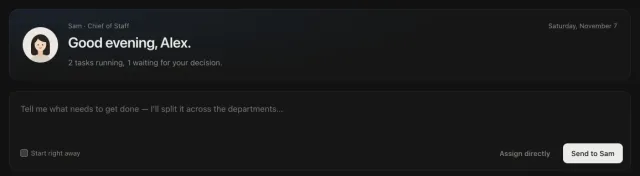
The chief of staff for a whole company of AI agentsSam is a chief of staff for a company of AI agents, and it runs on your own computer: macOS, Windows or Linux. Tell Sam what you need in a chat, and it splits the work across departments of agents, asks for your approval at the right moment and reports to you every day. It works with the AI engine you already use (Claude Code, Codex, Gemini CLI, DeepSeek or Grok), and your data stays on your machine.
macOS Windows Linux