S-ADB: Wireless ADB pairing and Android debug tools
S-ADB puts Android debugging in one clear place: see your ADB status, pair over Wireless ADB, control another Android device from your phone, and review what a device is telling you. Wireless ADB pairing works on Android 11 or newer and needs no root; some power-user tools need root or manual setup on your device. Remote control is off by default: the other device must opt in and approve each connection on Android’s own ADB prompt, and it works on your local network.
W Lab × PixelAI Lab

On Google Play as “S-ADB: Wireless Debug”.
Platforms and price
- Price
- Free to download.
- Platforms
- Android
- Category
- Productivity
Screenshots
Features
USB debugging, Wireless debugging and Developer options at a glance, with a jump to the settings that matter
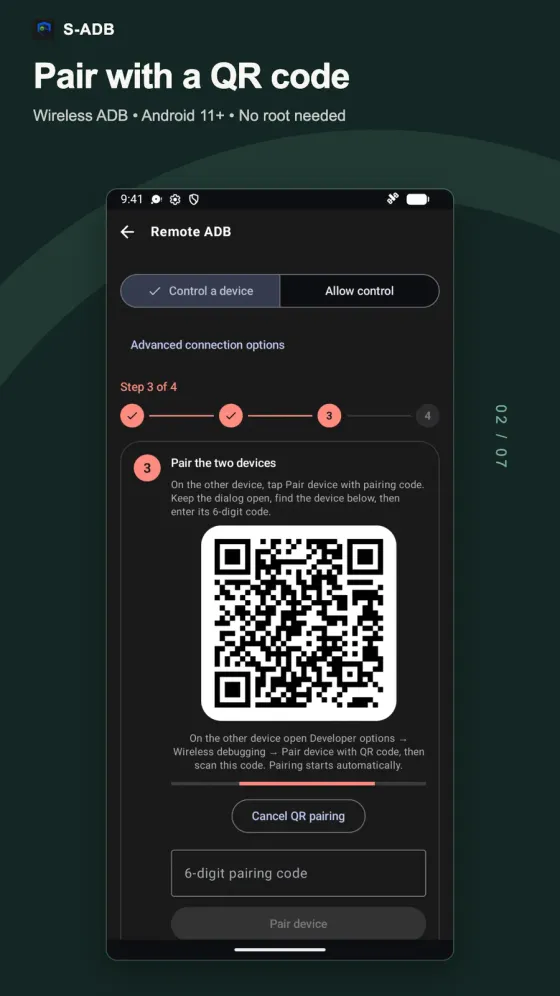
Step-by-step Wireless ADB pairing by QR code or from nearby devices; paired devices reconnect when the port changes
Control another Android device: a terminal-style shell, device info, live logcat with filters and an app manager
View-only mode blocks input and commands that change the device; destructive commands warn before they run
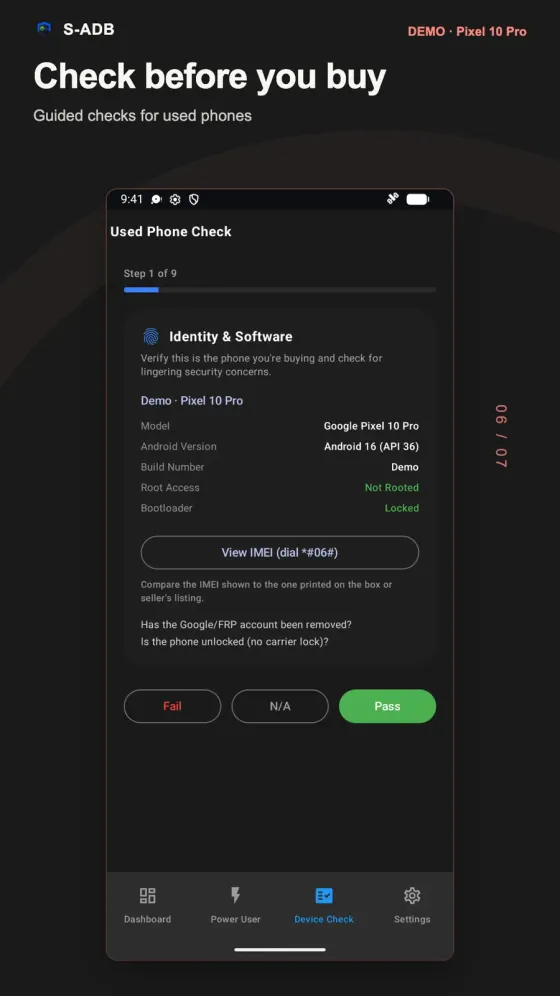
Used Phone Check: guided checks to review before you buy, a guide rather than a hardware certification
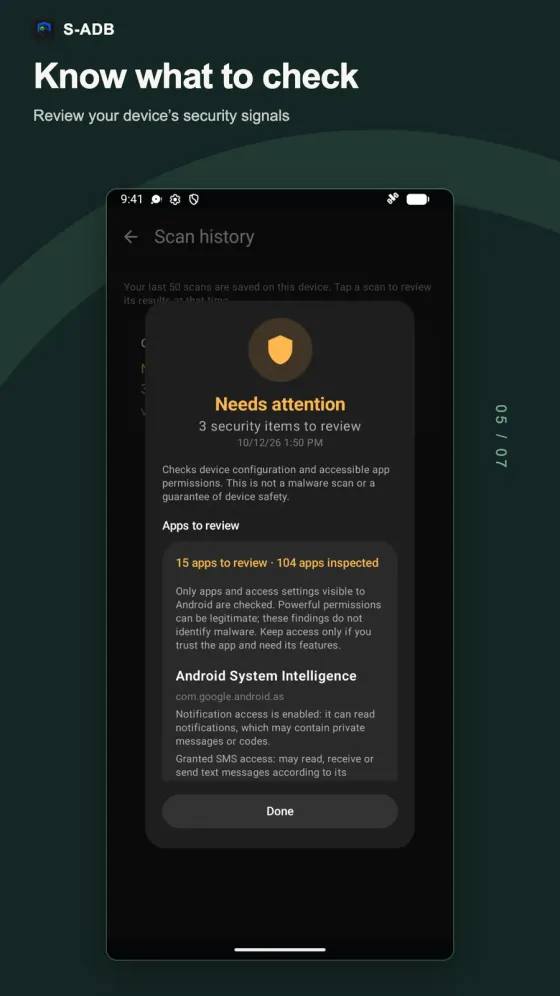
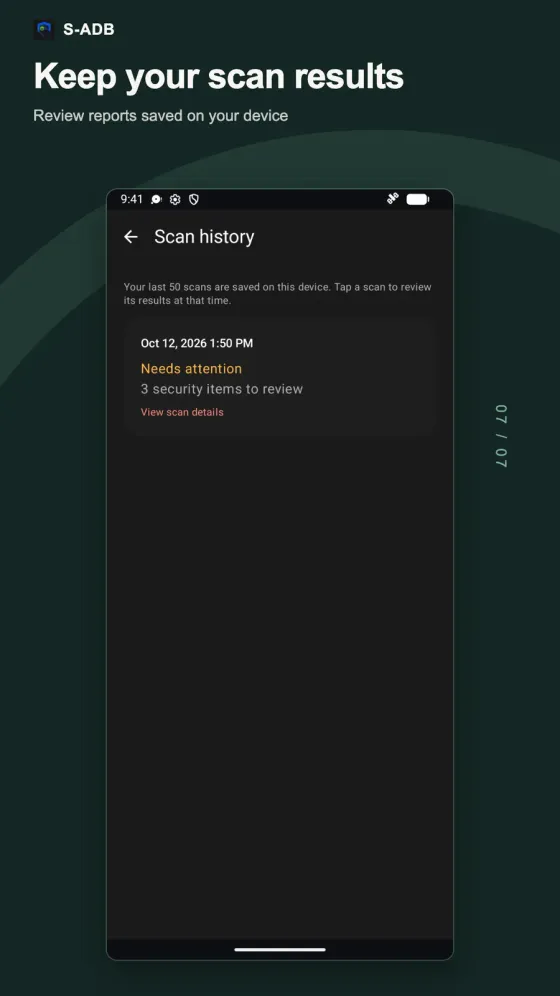
Security scan: signals worth reviewing, with reports and scan history saved on your device
Questions people ask
Does S-ADB need root for wireless ADB pairing?
No. S-ADB pairs over Wireless ADB without root on Android 11 or newer: show a QR code for the other device to scan, or pick it from nearby devices found on your network. Some of its power-user tools do need root or manual setup on your device.
Can S-ADB control another phone without its owner allowing it?
No. In S-ADB, remote control is off by default: the device being controlled must turn it on and approve each connecting device on Android’s own ADB prompt. View-only mode lets you look without touching, and destructive commands show a warning before they run.
Is the S-ADB security scan an antivirus?
No. S-ADB’s security scan reports signals worth reviewing, such as apps with powerful permissions, and saves its reports and scan history on your device. It is not antivirus software and cannot guarantee that a device is safe.
Does S-ADB send my data to a server?
S-ADB’s Google Play listing says “Nothing is sent to our servers” and, for its remote control tool, “No data is sent to any server.” Remote control works on your local network, and security scan reports stay on your device.
Which phones does S-ADB work on?
S-ADB is an Android app, free to download on Google Play. Wireless ADB pairing needs Android 11 or newer, and some power-user tools need root. It is not on the App Store.

Get S-ADB
Wireless ADB pairing and Android debug tools
Free to download.
On Google Play as “S-ADB: Wireless Debug”.
Support and policies
More apps from W Lab
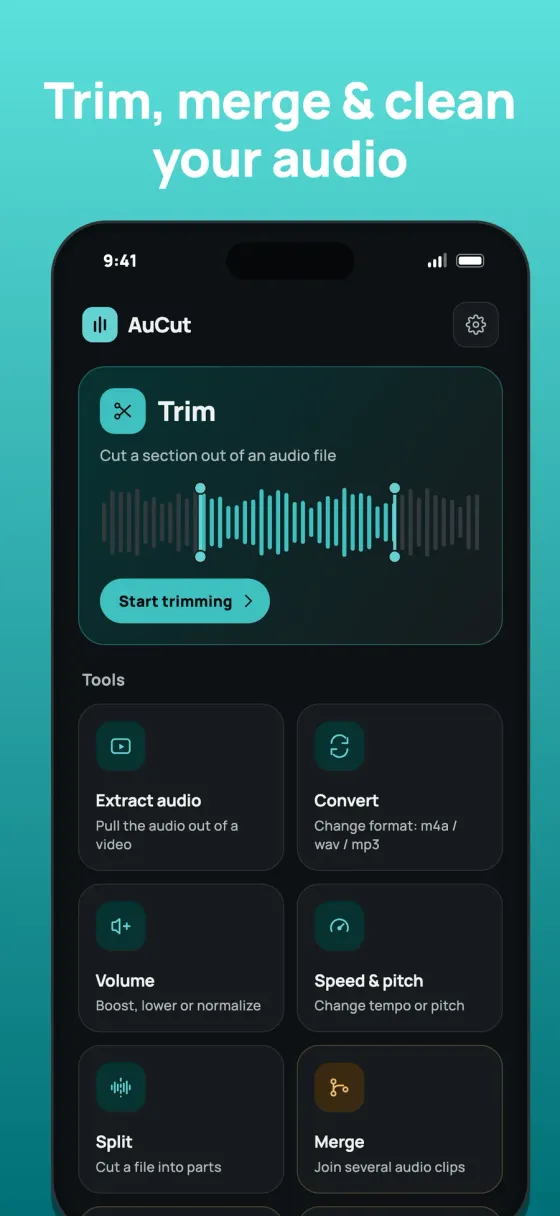

AuCut
Cut audio and extract it from video iOS Android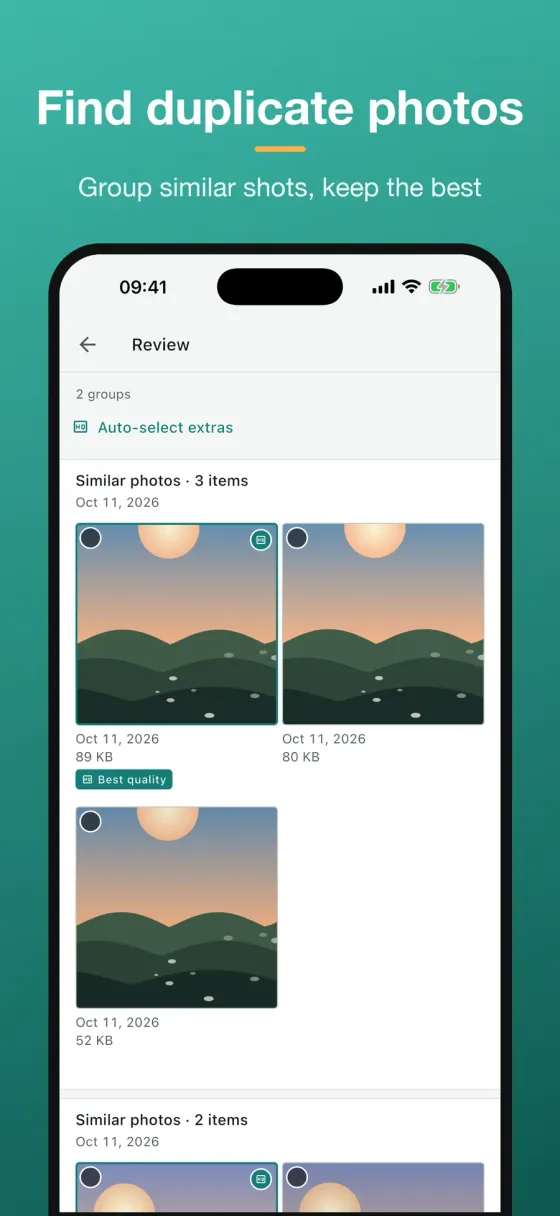

MRecov
Clean up duplicate and blurry photos iOS Android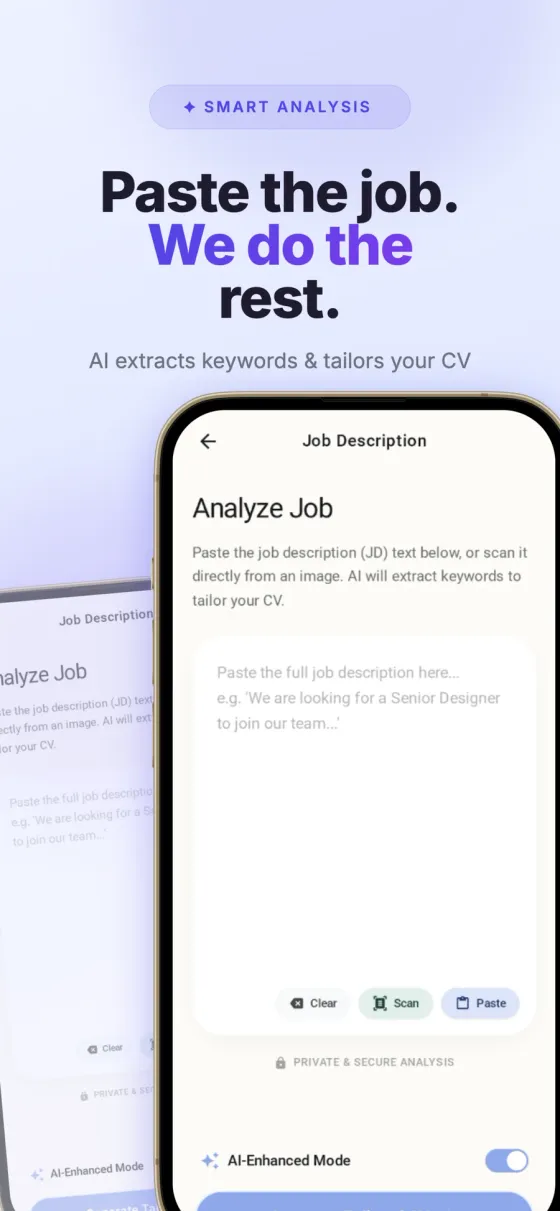

ResumeX
Tailor your resume to each job with AI iOS Android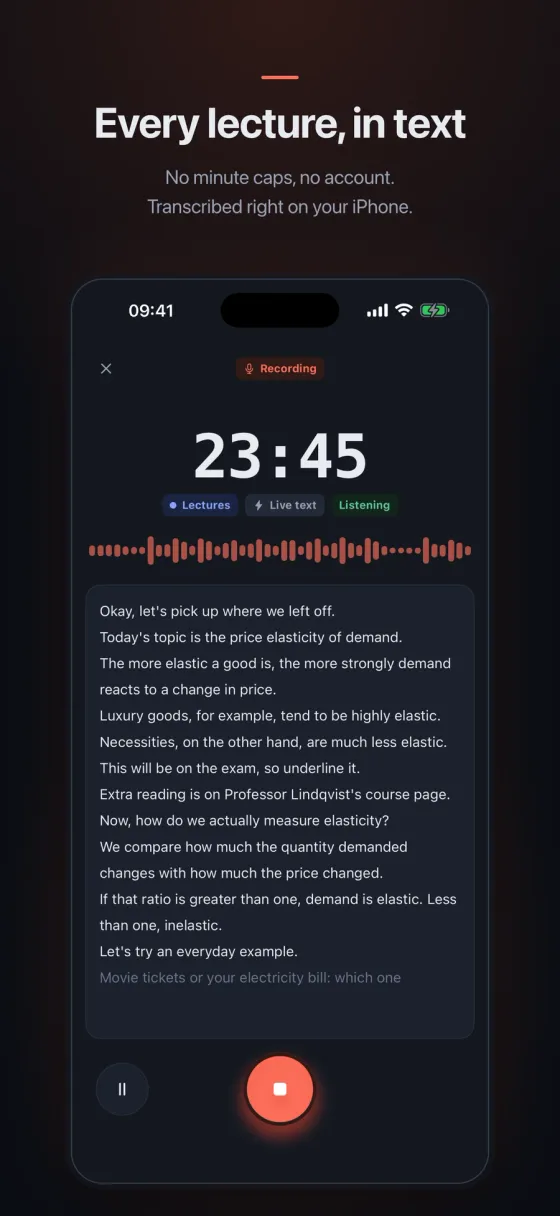

Koedori
Record lectures, transcribe them offline iOS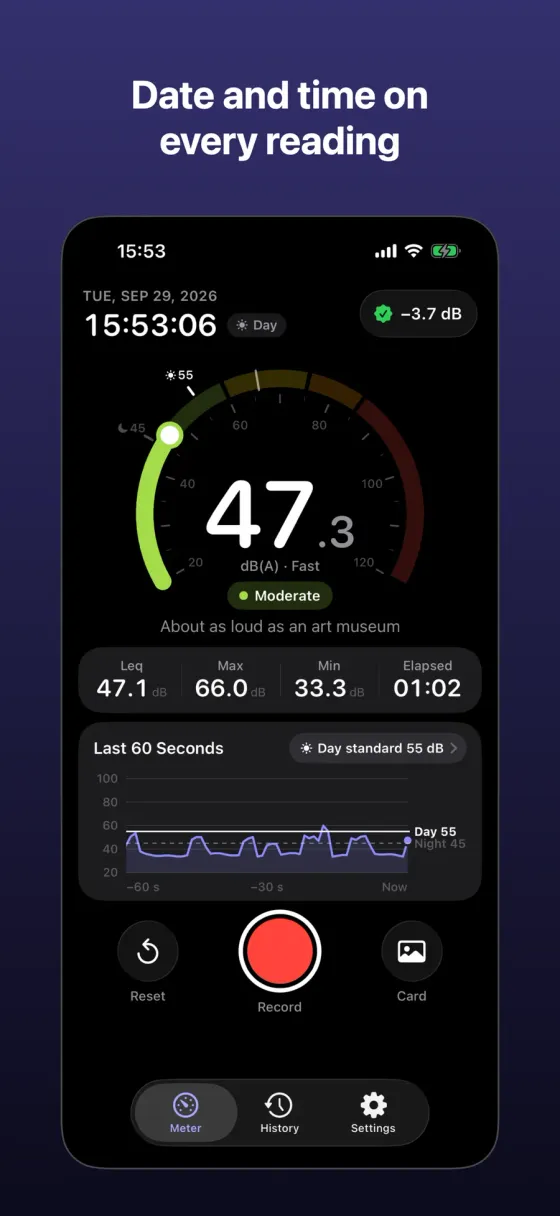

Noise Meter
Decibel meter with date and time iOS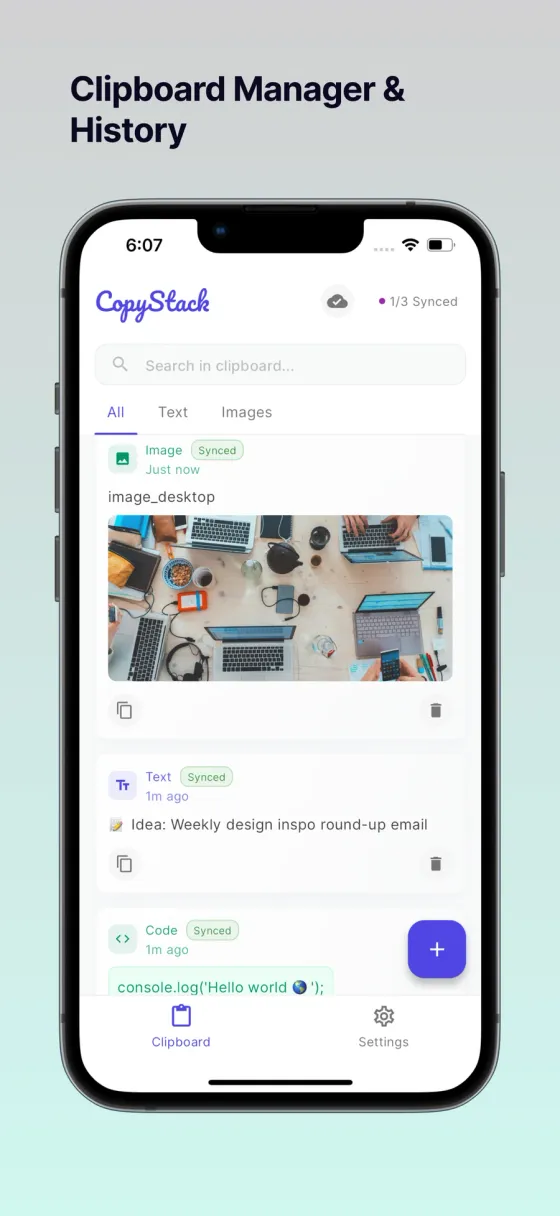

CopyStack
Copy on one device, paste on another iOS Android Web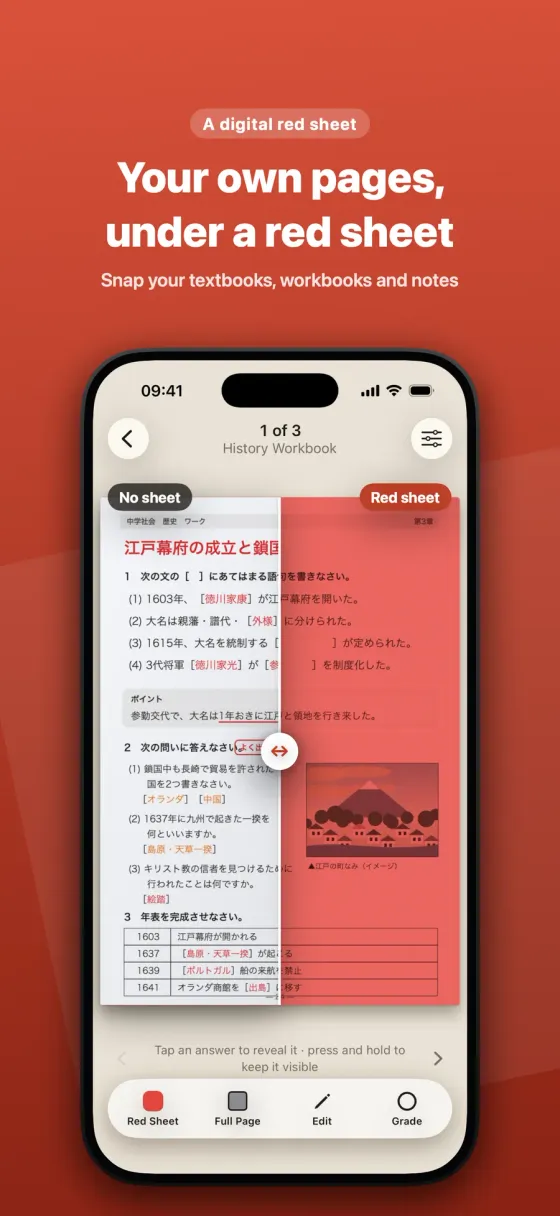

Red Sheet
Turn your notes into a quiz, no typing iOS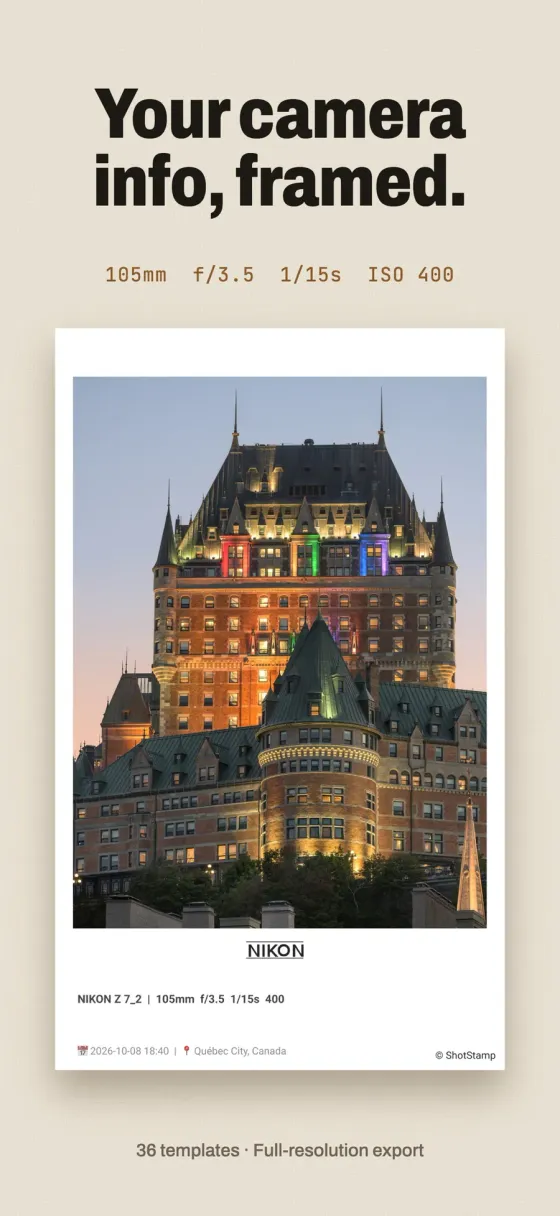

ShotStamp
EXIF watermarks and camera info frames iOS Android W Lab × Ketch Studio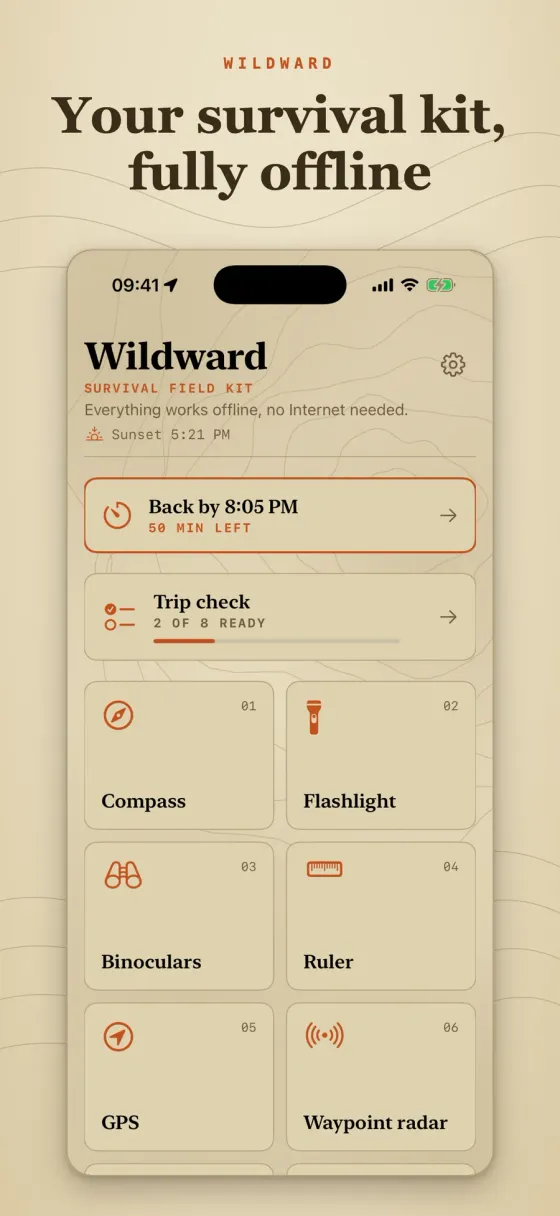

Wildward
Offline survival kit for the outdoors iOS Android Coming soon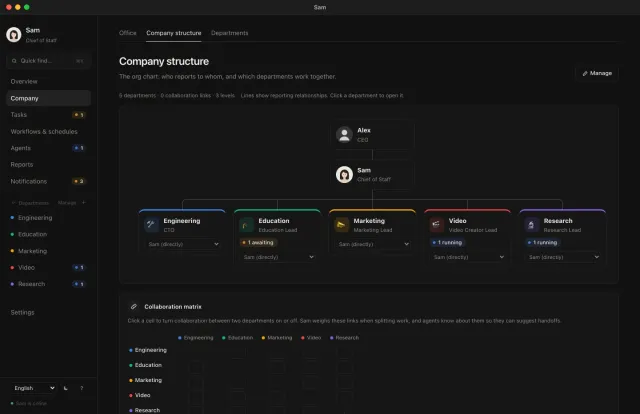

Sam
The chief of staff for a whole company of AI agents macOS Windows Linux