MRecov: Clean up duplicate and blurry photos
MRecov tidies up your photo library on iPhone and Android: it finds duplicate and near-identical photos, spots blurry or low-quality shots, and makes photos smaller to free up space. On Android, it also scans the phone and SD card for recently deleted photos, videos and audio that may still be recoverable, and restores the ones you pick. Your photos are analyzed on your device and never uploaded, and no account is needed.


On the App Store as “MRecov: Photo Cleaner”. On Google Play as “MRecov: Photo & Video Recovery”.
Platforms and price
- Price
- Free to download.
- Platforms
- iOS, Android
- Requires
- iPhone with iOS 15.0 or later
- Category
- Photo & Video
Screenshots
Features
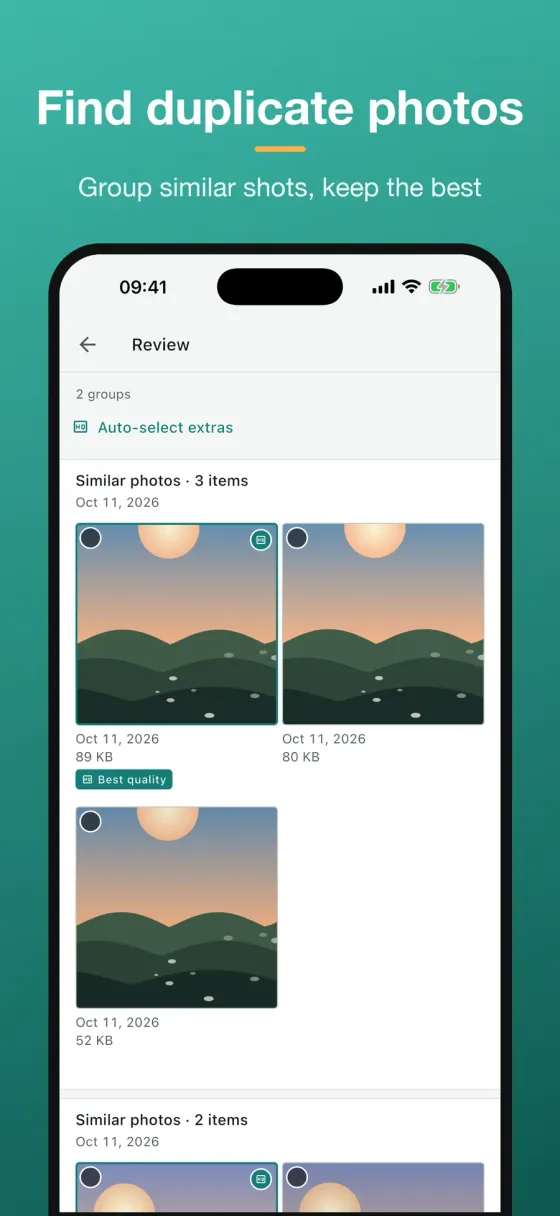
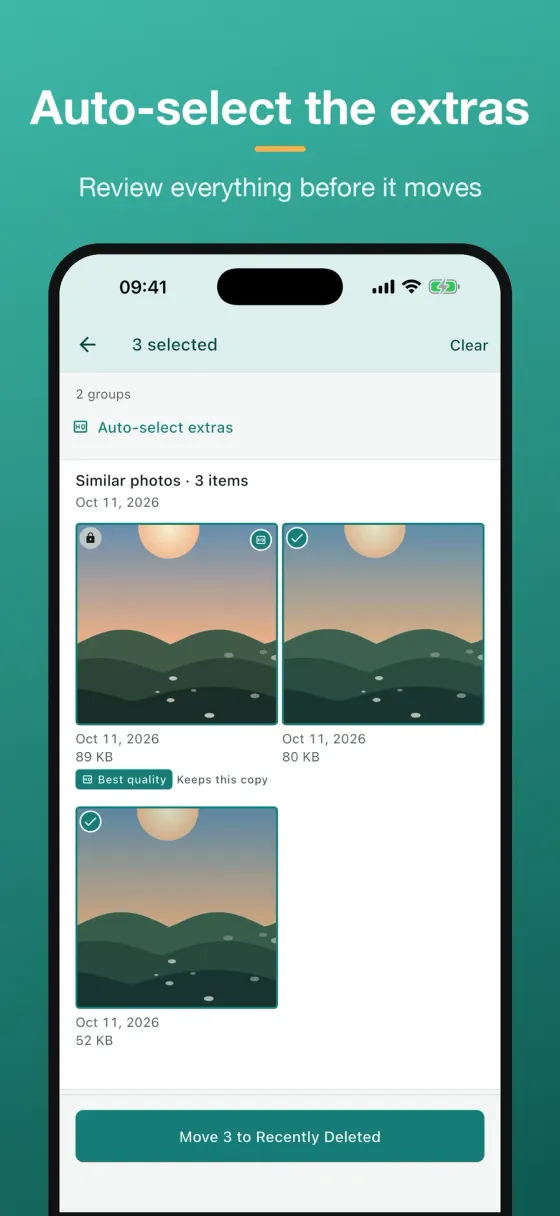
Finds duplicate and near-identical photos and duplicate videos, and suggests which copy to keep
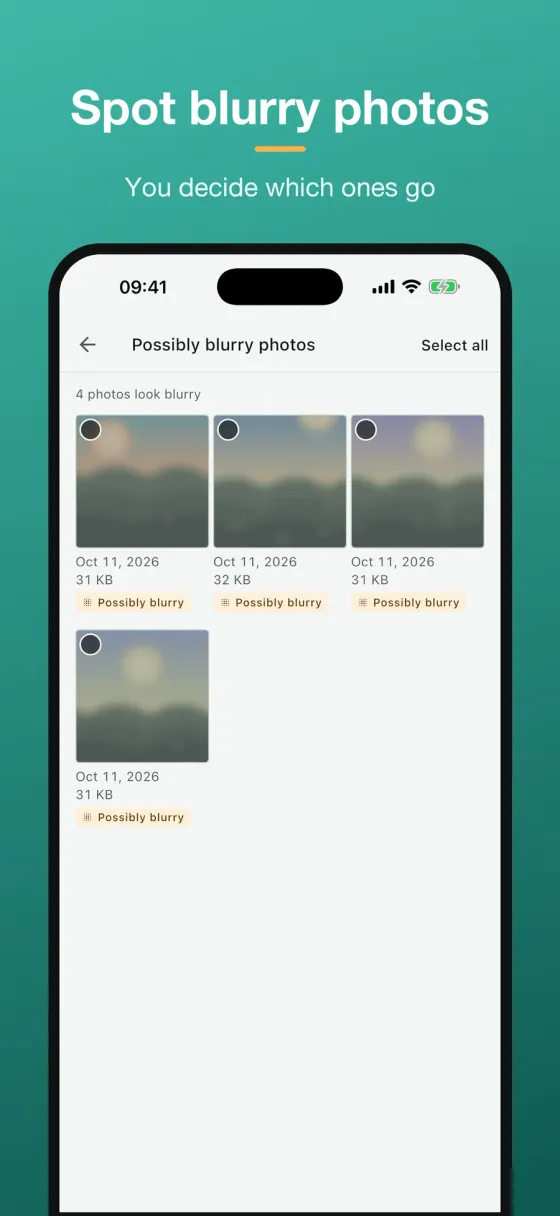
Spots blurry and low-quality photos so you can decide which ones go
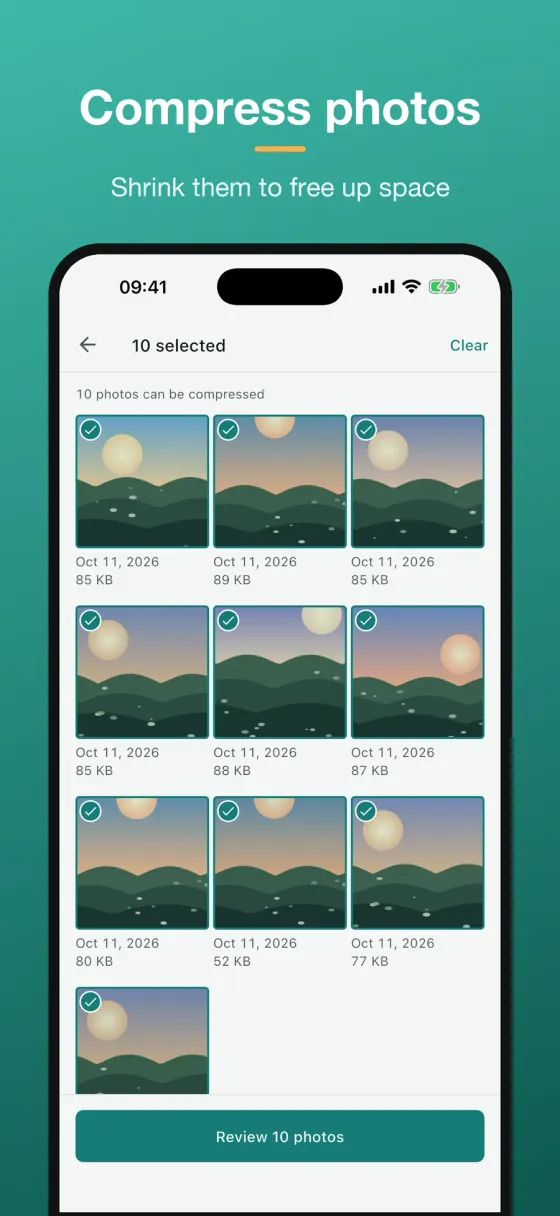
Makes photos smaller to free up storage
On Android: finds recently deleted photos, videos and audio on the phone and SD card, and restores the ones you pick
Removed items go to the trash first, where you can restore them for up to 30 days
Works on your device: your photos are never uploaded, and no account is needed
Questions people ask
How do I recover deleted photos, videos or voice recordings on Android?
On Android, MRecov (on Google Play as “MRecov: Photo & Video Recovery”) scans your phone's storage for recently deleted photos, videos and audio files, such as voice recordings, that may still be recoverable. Preview what it finds and get back the ones you want, right on the phone, with nothing uploaded.
Can I recover deleted photos from an SD card without a computer?
Yes, if the card is in an Android phone: MRecov (on Google Play as “MRecov: Photo & Video Recovery”) scans the SD card as well as the phone's own storage for deleted photos that may still be recoverable. You preview each find and restore only the ones you choose, all on the phone.
How do I find and delete duplicate photos on iPhone?
MRecov (on the App Store as “MRecov: Photo Cleaner”) groups exact duplicates, similar shots and duplicate videos on your iPhone and suggests which copy to keep, based on quality. You review every group before anything goes, and removed photos wait in Recently Deleted in the Photos app for about 30 days, in case you change your mind. MRecov does the same on Android.
How do I free up space on iPhone by cleaning up my photos?
MRecov (on the App Store as “MRecov: Photo Cleaner”) frees up space by tidying your photo library: it helps you clear out duplicates, flags blurry and low-quality shots so you can decide which go, and makes HEIC and JPEG photos smaller. Before it compresses, it shows an estimate of the space you'll save, and nothing is removed until you confirm.
Does MRecov upload my photos or need an account?
No. MRecov analyzes your photos and videos on your phone and never uploads them, and it needs no account or login. It's on the App Store as “MRecov: Photo Cleaner” and on Google Play as “MRecov: Photo & Video Recovery”.

Get MRecov
Clean up duplicate and blurry photos
Free to download.
On the App Store as “MRecov: Photo Cleaner”. On Google Play as “MRecov: Photo & Video Recovery”.
Support and policies
More apps from W Lab
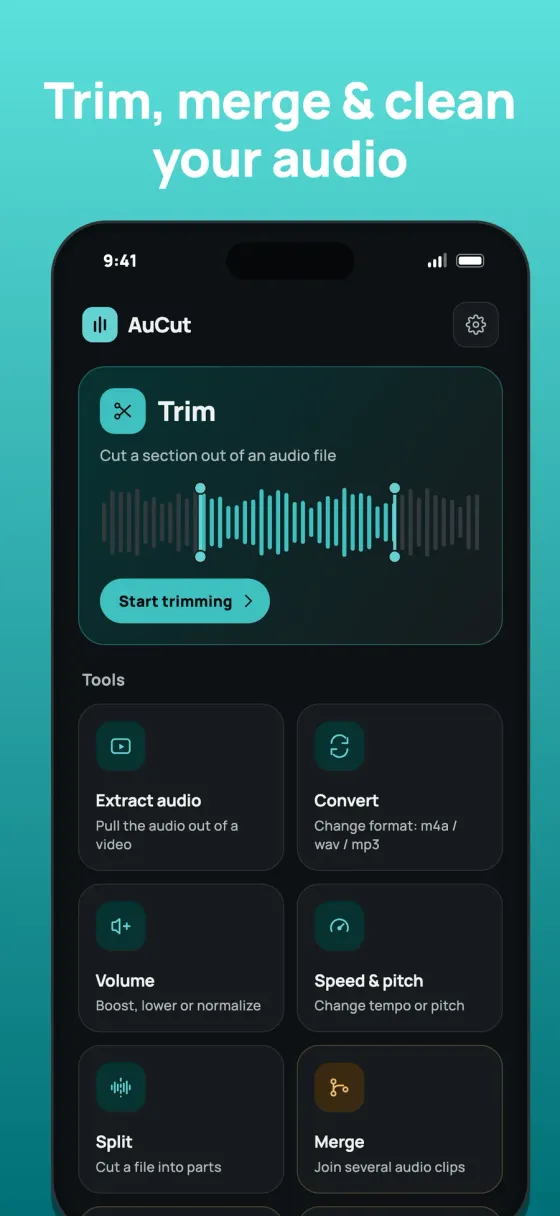

AuCut
Cut audio and extract it from video iOS Android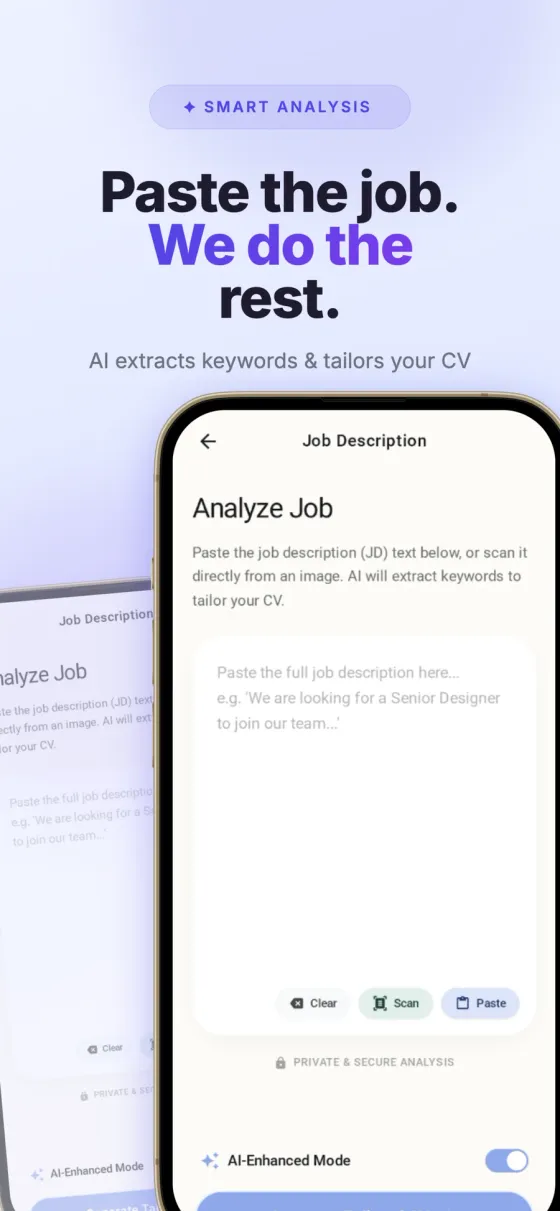

ResumeX
Tailor your resume to each job with AI iOS Android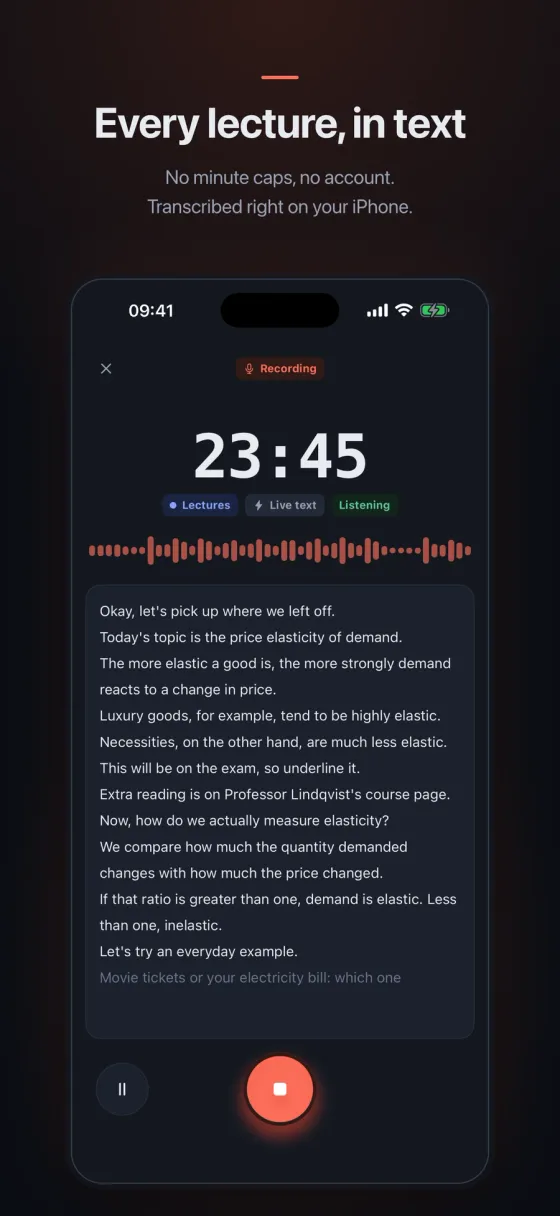

Koedori
Record lectures, transcribe them offline iOS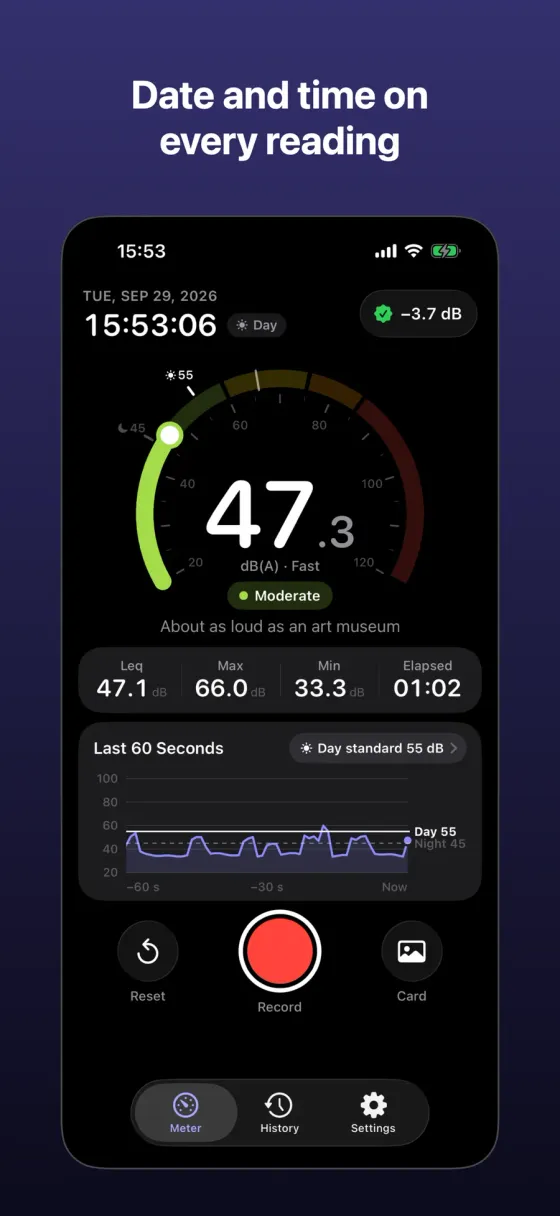

Noise Meter
Decibel meter with date and time iOS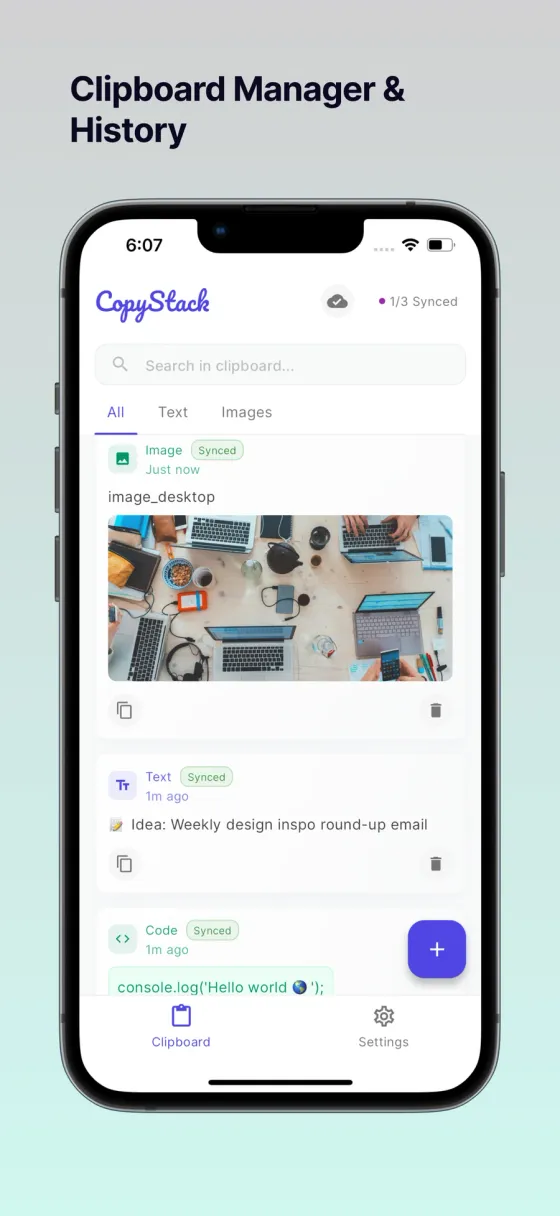

CopyStack
Copy on one device, paste on another iOS Android Web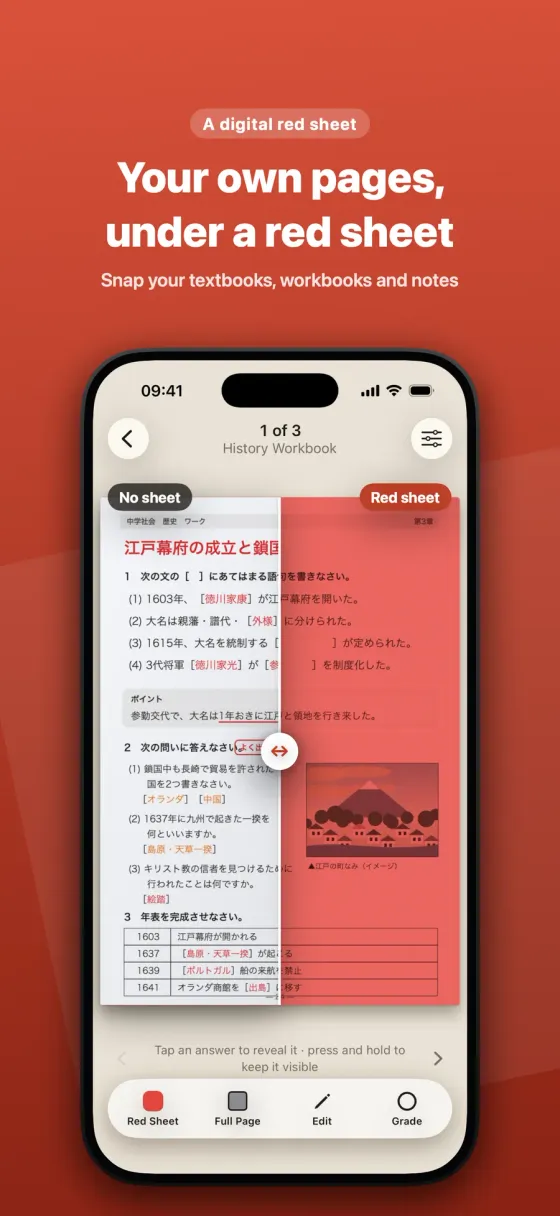

Red Sheet
Turn your notes into a quiz, no typing iOS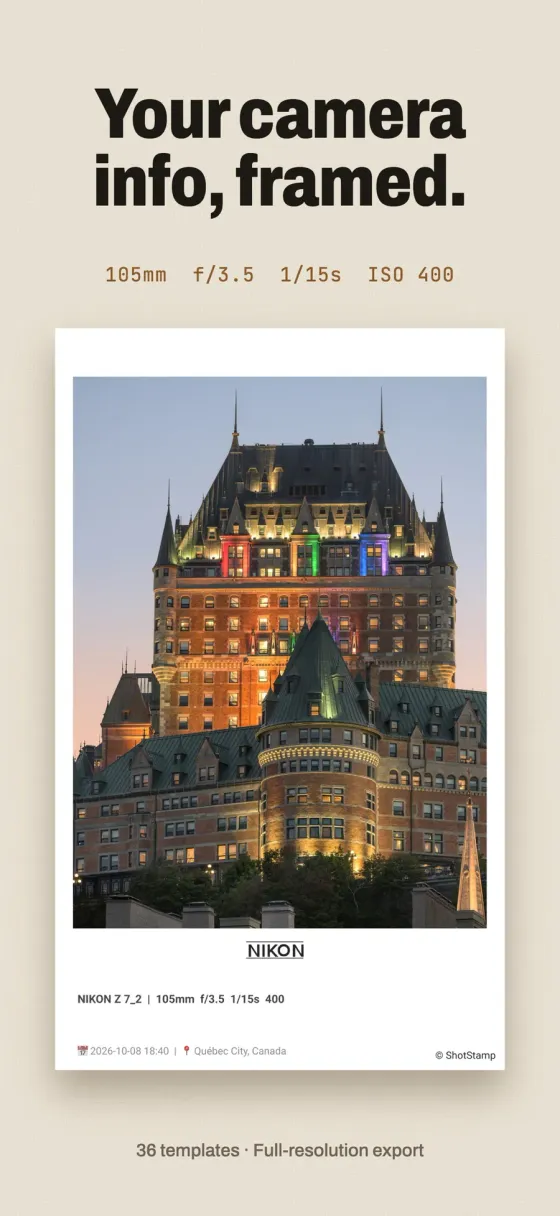

ShotStamp
EXIF watermarks and camera info frames iOS Android W Lab × Ketch Studio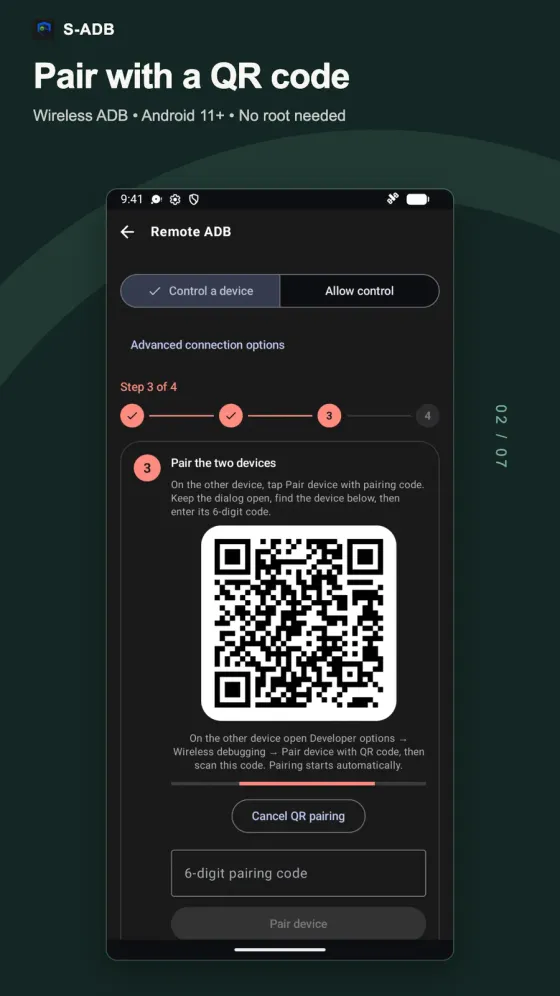

S-ADB
Wireless ADB pairing and Android debug tools Android W Lab × PixelAI Lab

Wildward
Offline survival kit for the outdoors iOS Android Coming soon

Sam
The chief of staff for a whole company of AI agents macOS Windows Linux