ResumeX: Tailor your resume to each job with AI
ResumeX is an AI resume builder for iOS and Android. Build a Master Profile of your career once, from a LinkedIn URL, a PDF or a chat with the AI. Then paste a job description: ResumeX writes a CV tailored to that job, shows a match score from 0 to 100% before you apply, and exports an ATS-friendly PDF in seconds.


On the App Store as “ResumeX: AI Resume Builder”. On Google Play as “ResumeX: AI Resume Builder”.
Platforms and price
- Price
- Free to download.
- Platforms
- iOS, Android
- Requires
- iOS 15.5 or later
- Category
- Productivity
Screenshots
Features
Build a Master Profile from a LinkedIn URL, a PDF upload or a chat with the AI
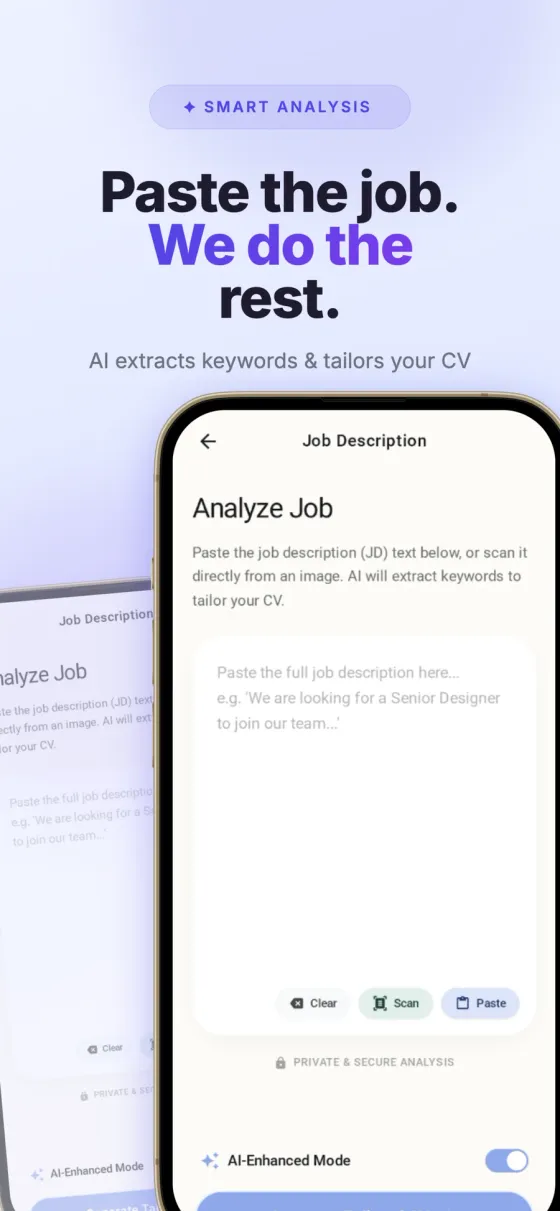
Paste a job description to get a CV tailored to that job
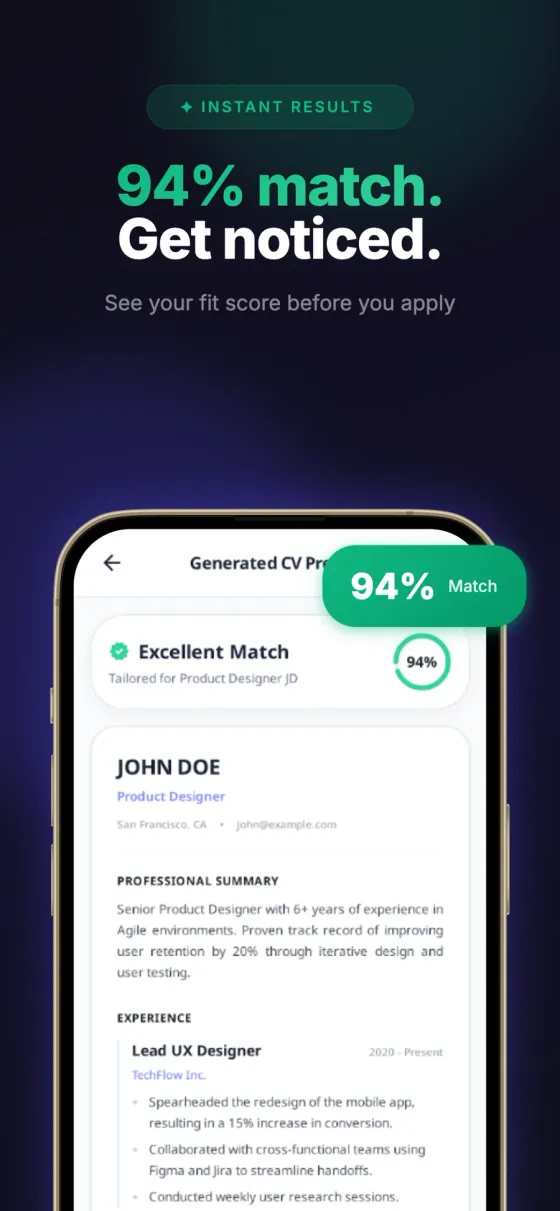
A match score from 0 to 100% shows how well the CV fits the job before you apply
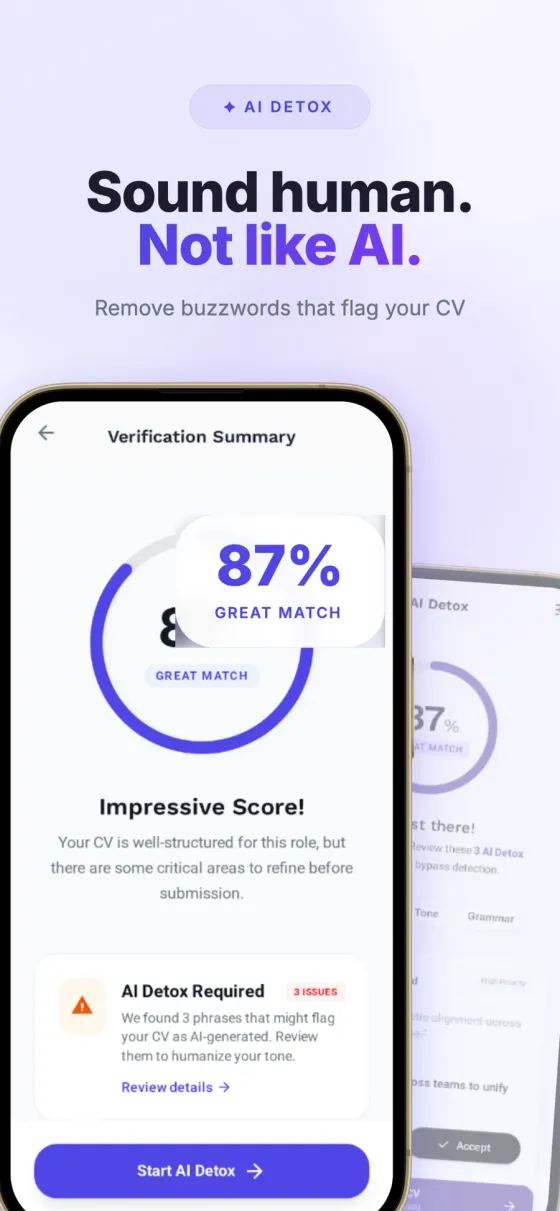
AI Detox removes AI buzzwords and varies sentences so the CV reads naturally
Export a polished, ATS-friendly PDF in seconds
Questions people ask
How do I tailor my resume to a job description with AI?
ResumeX tailors your resume to a job with AI: paste the job description, and it writes a CV that lines up your skills and achievements with what that job asks for. It starts from a Master Profile of your career that you set up once, so you don't rewrite your resume from scratch for every application. ResumeX is on iPhone and Android.
How do I make my resume ATS-friendly and check how well it matches a job?
ResumeX exports your resume as a polished, ATS-friendly PDF, and before you apply it shows a match score from 0 to 100% for how well the CV fits that job's requirements. Because the score is worked out against the job description you paste, you can check each application on your phone before you send it.
How do I make a resume from my LinkedIn profile?
ResumeX builds your resume from your LinkedIn profile: paste the profile's URL, and it imports your experience into a Master Profile. Then paste a job description to get a CV tailored to it, and export it as a PDF. No LinkedIn profile? Upload your current resume as a PDF, or build the profile in a chat with the AI.
Can I make a resume on my iPhone?
Yes: ResumeX is an AI resume builder for iPhone and Android, so you can write a complete resume on your phone, without a computer. Add your experience once, paste the posting you're applying for, and ResumeX turns it into a tailored CV that you save as a PDF in seconds. It runs on iPhone and iPad with iOS 15.5 or later.
How do I make my resume sound less like AI?
ResumeX has a step for exactly that, AI Detox: it strips out AI buzzwords and varies sentence structure so your resume reads naturally to a recruiter. The aim is a CV that sounds like an expert in your field, not like an algorithm.

Get ResumeX
Tailor your resume to each job with AI
Free to download.
On the App Store as “ResumeX: AI Resume Builder”. On Google Play as “ResumeX: AI Resume Builder”.
Support and policies
More apps from W Lab
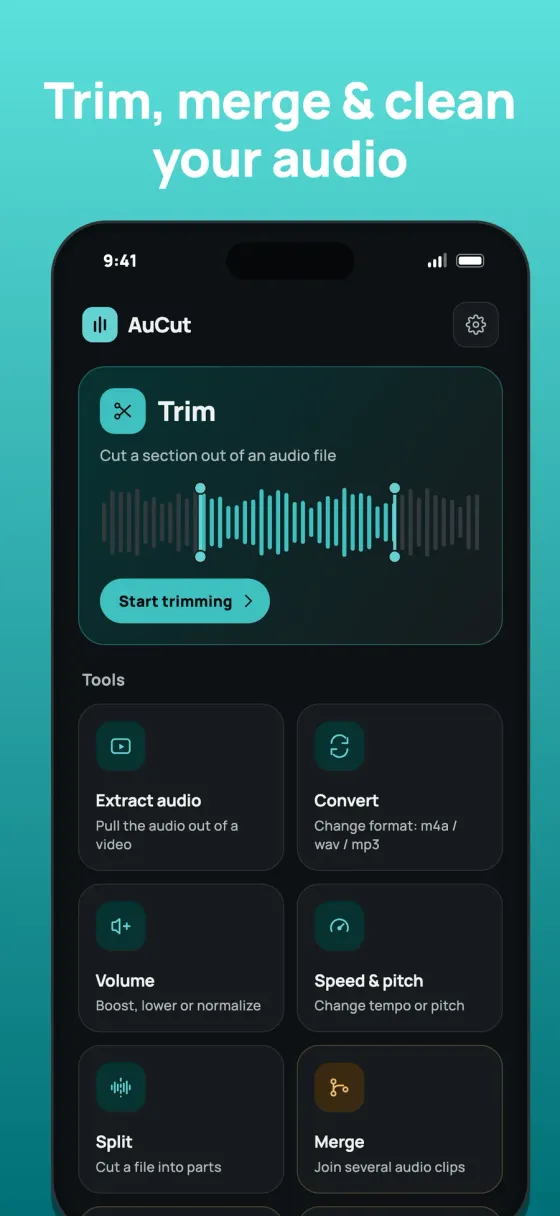

AuCut
Cut audio and extract it from video iOS Android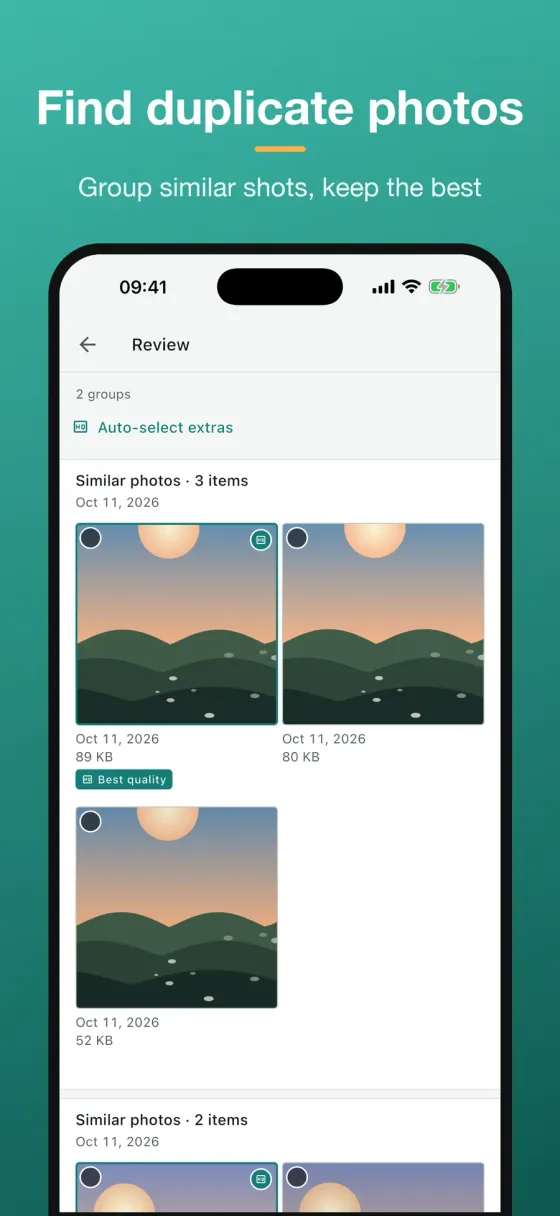

MRecov
Clean up duplicate and blurry photos iOS Android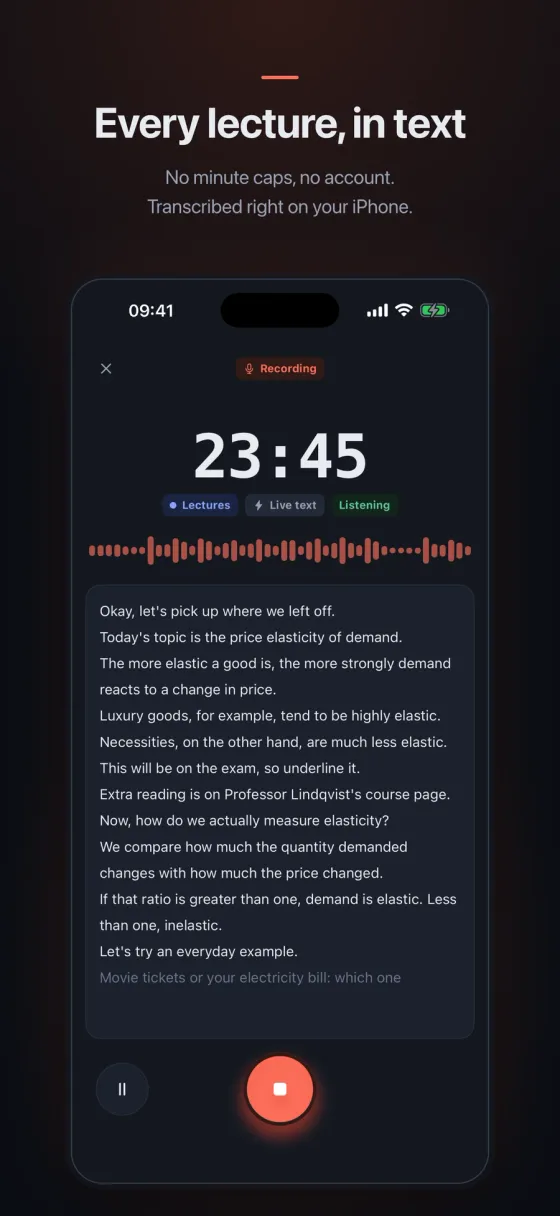

Koedori
Record lectures, transcribe them offline iOS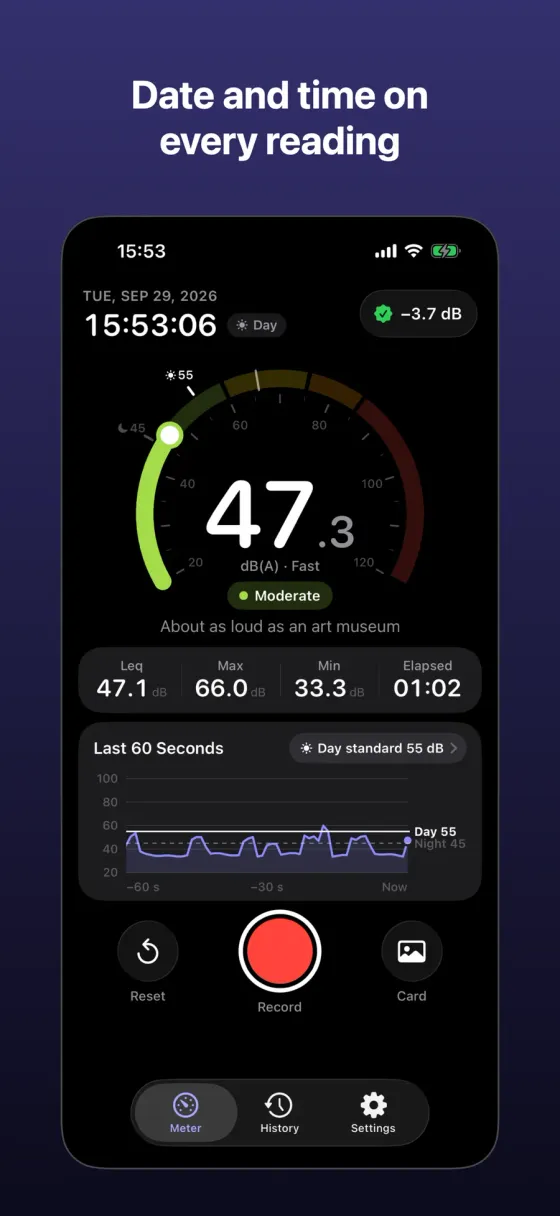

Noise Meter
Decibel meter with date and time iOS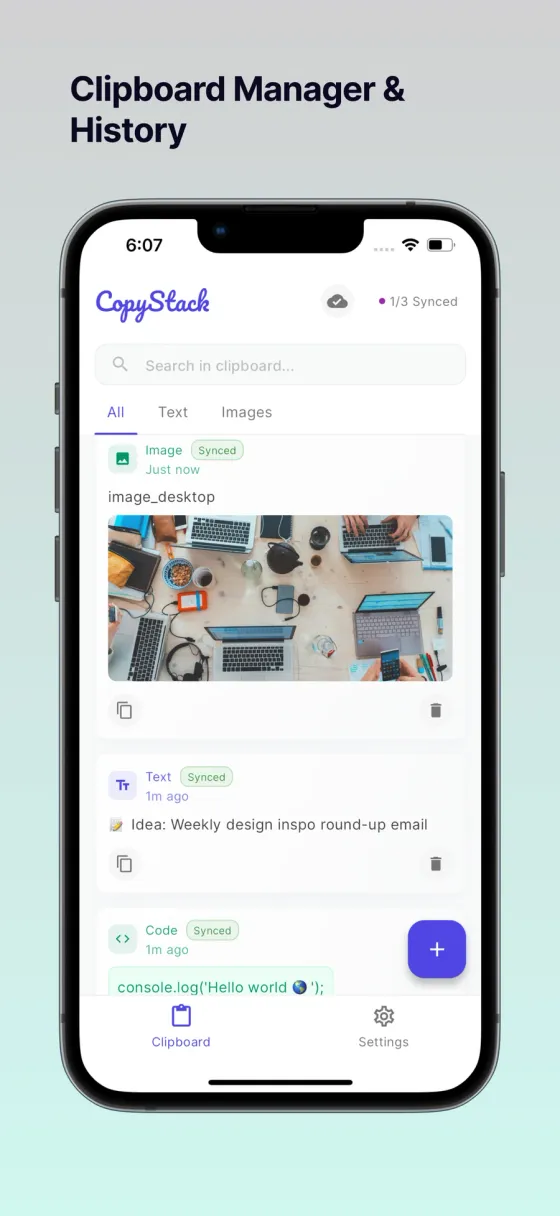

CopyStack
Copy on one device, paste on another iOS Android Web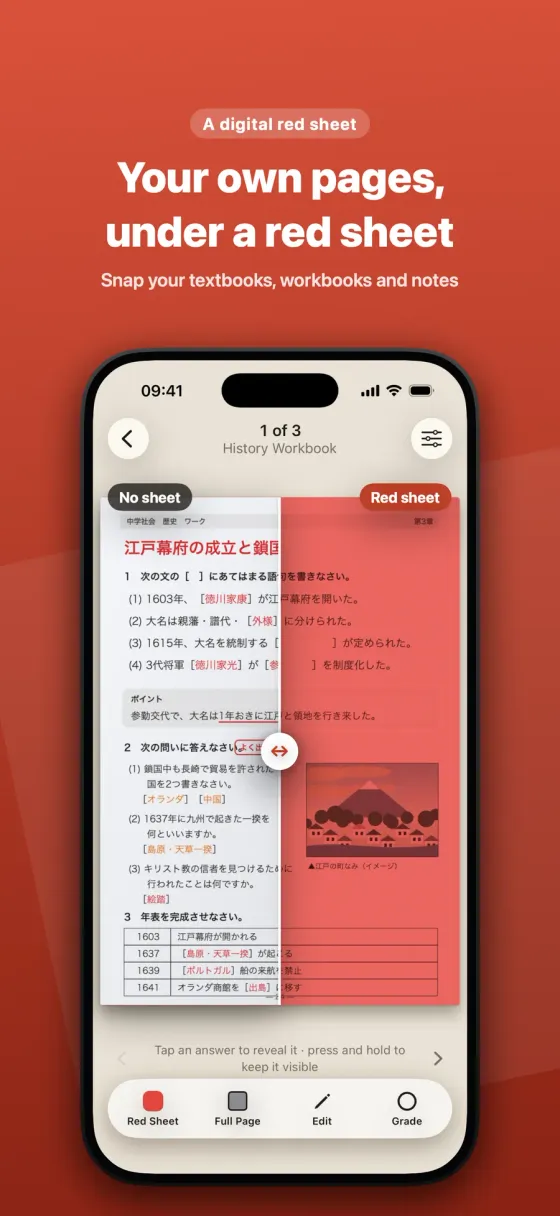

Red Sheet
Turn your notes into a quiz, no typing iOS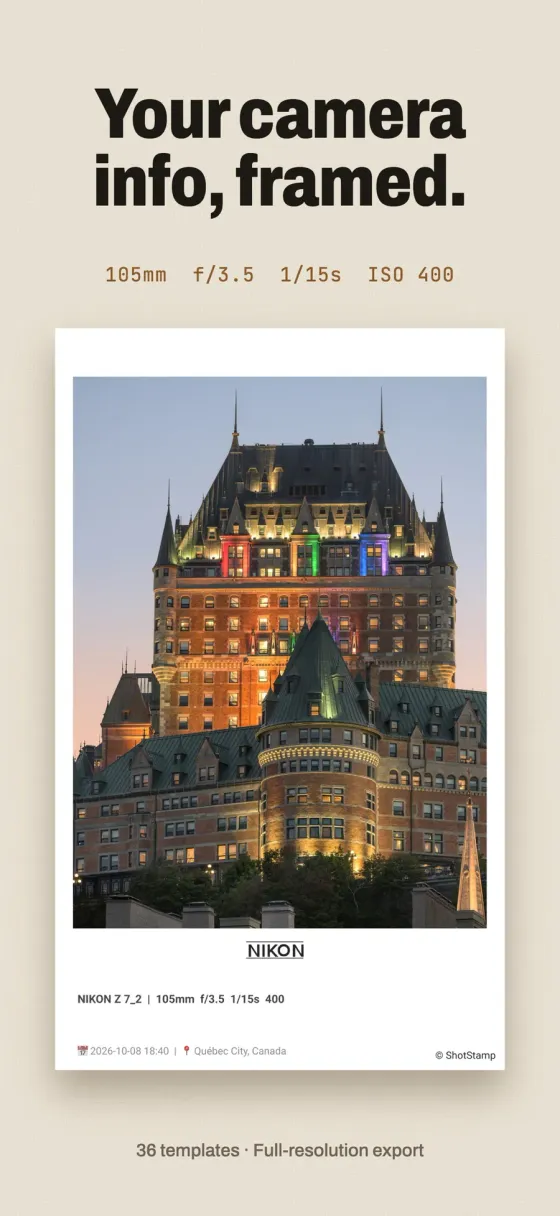

ShotStamp
EXIF watermarks and camera info frames iOS Android W Lab × Ketch Studio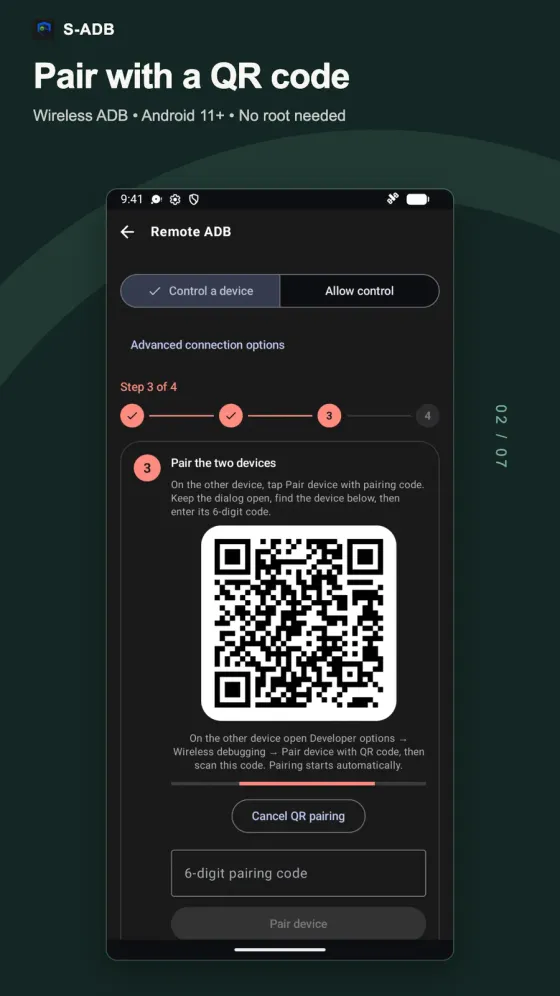

S-ADB
Wireless ADB pairing and Android debug tools Android W Lab × PixelAI Lab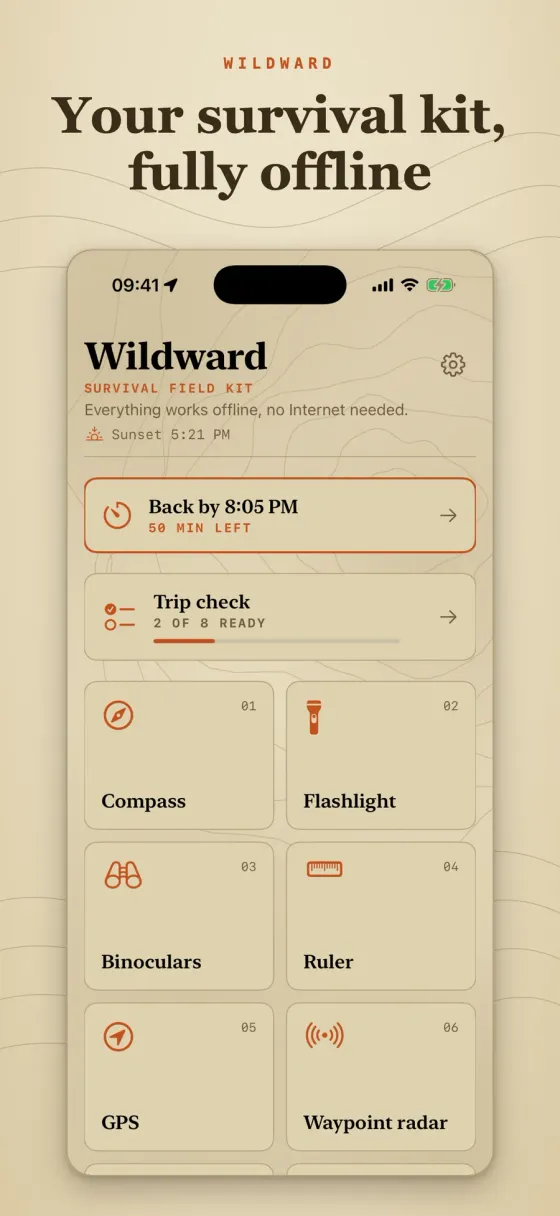

Wildward
Offline survival kit for the outdoors iOS Android Coming soon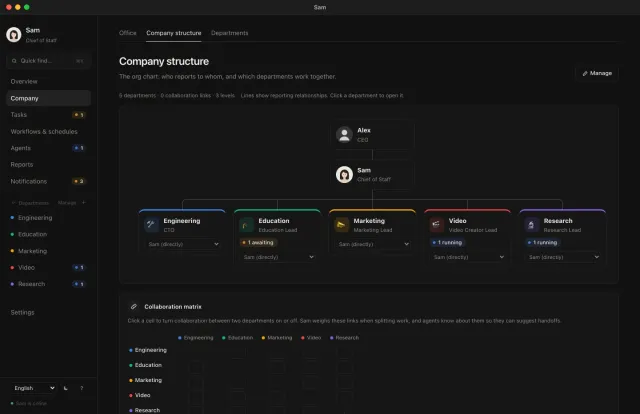

Sam
The chief of staff for a whole company of AI agents macOS Windows Linux