ShotStamp: EXIF watermarks and camera info frames
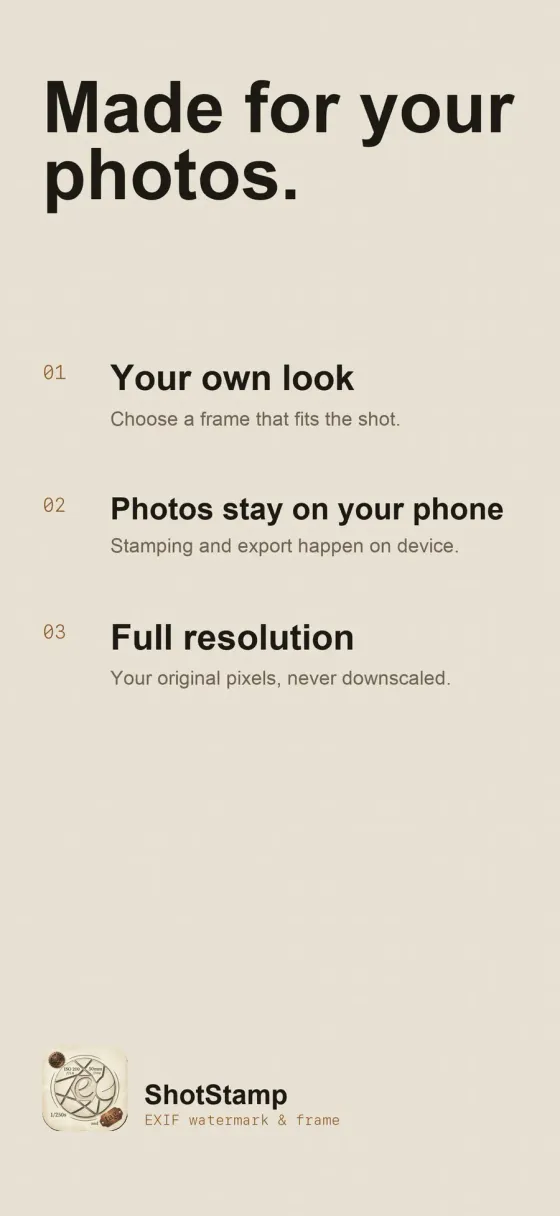
ShotStamp turns the shooting data inside your photos into a clean frame or stamp. Pick a photo from a mirrorless camera, a DSLR or a phone, and the camera, lens, aperture, shutter speed, ISO, focal length, date and location fill in on their own. Choose a frame, stamp the time and place, and export for feeds, squares and stories as a full-resolution JPEG that keeps your EXIF data. Stamping and export happen on your device: your photos are not uploaded.
W Lab × Ketch Studio


On the App Store as “ShotStamp: EXIF Watermark”. On Google Play as “ShotStamp: EXIF Watermark”.
Platforms and price
- Price
- Free to download.
- Platforms
- iOS, Android
- Requires
- iOS 13.0 or later
- Category
- Photo & Video
Screenshots

Features
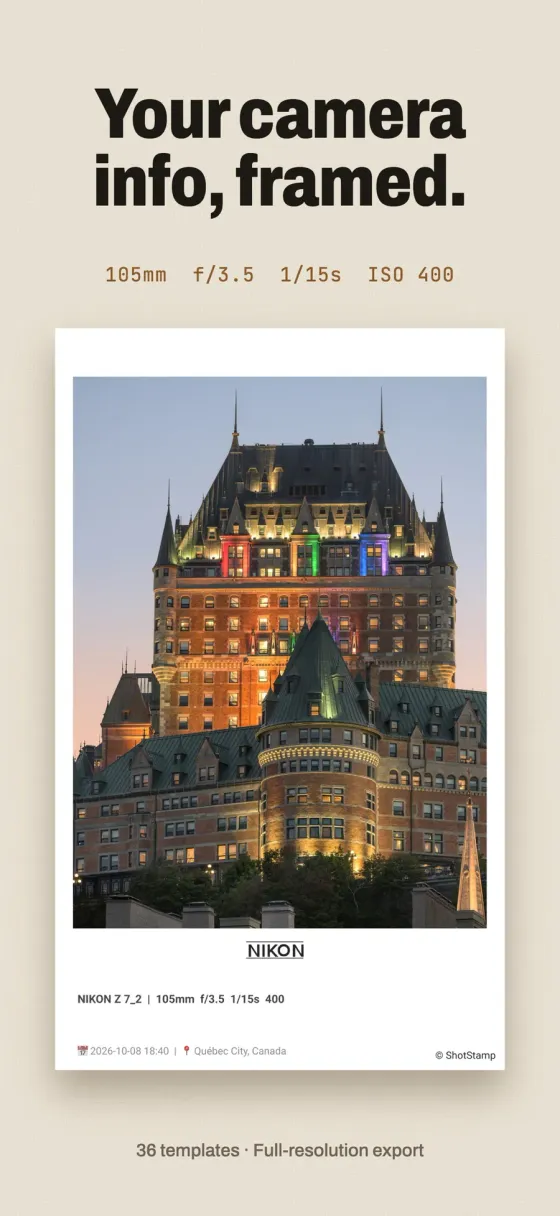
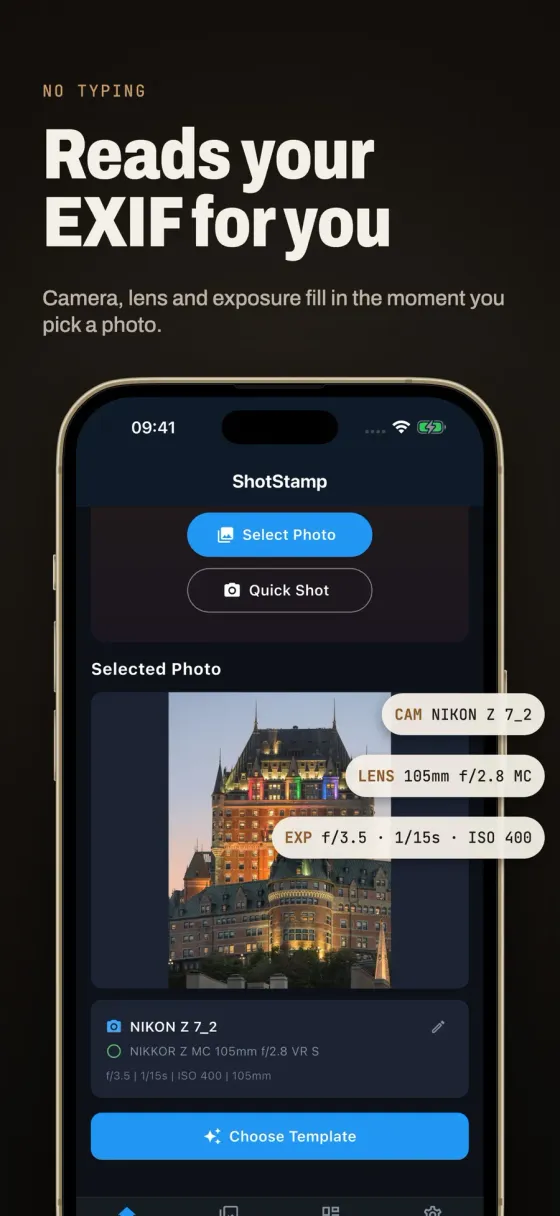
Reads EXIF from mirrorless, DSLR and phone photos: camera, lens, aperture, shutter speed, ISO and more
Templates: minimal info bars, instant and film-strip frames, gallery mats and editorial layouts
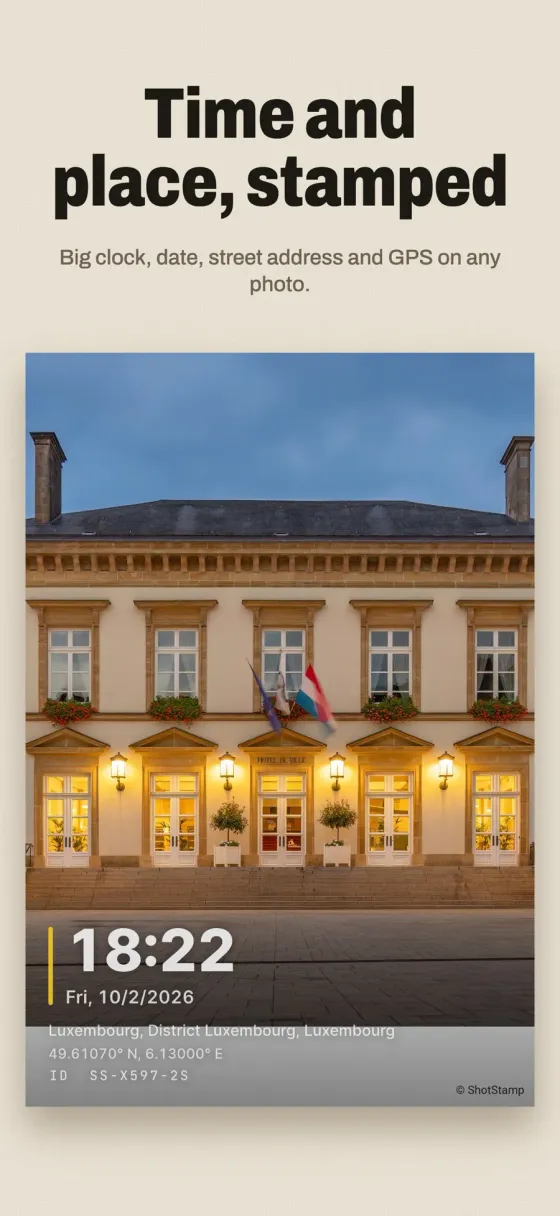
Stamps time and place: a big clock, the date, the street address and GPS coordinates
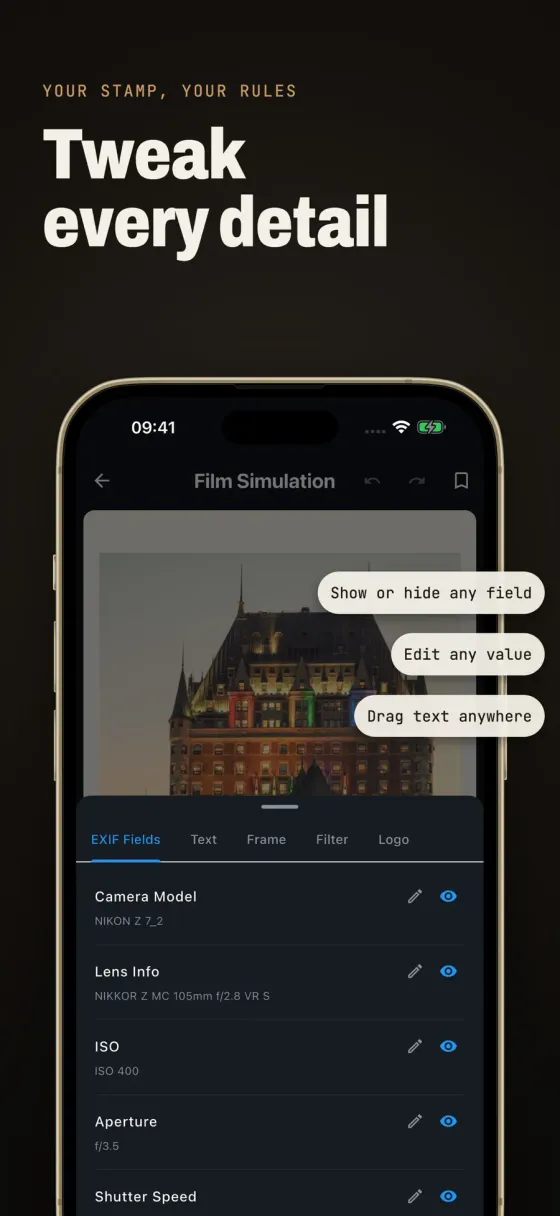
Show or hide any field, edit any value and drag text where you want it
11 color filters, and frame colors to pick from
Exports at Original, 4:5, 1:1 or 9:16 as full-resolution JPEGs that keep your EXIF data
Questions people ask
Does ShotStamp upload my photos?
No. ShotStamp stamps and exports your photos on your device, and your photos are not uploaded. The frame, the stamp and the export all happen on your iPhone, iPad or Android phone.
Does ShotStamp keep the EXIF data when I save a photo?
Yes. ShotStamp saves full-resolution JPEGs that keep your EXIF data, so the camera, lens and exposure stay in the file after you add a frame or stamp. You can export at the original size or at 4:5, 1:1 or 9:16 for feeds, squares and stories.
Which cameras does ShotStamp read EXIF from?
ShotStamp reads EXIF automatically from mirrorless, DSLR and phone photos. Pick a photo, and the camera, lens, aperture, shutter speed, ISO, focal length, date and location fill in on their own, with no typing. You can still edit any value or hide any field.
Can I add the date and location to a photo with ShotStamp?
Yes. ShotStamp's time and place stamp puts a big clock, the date, the street address and GPS coordinates on a photo. Show or hide each field, edit its value and drag the text where you want it.
Which phones does ShotStamp work on?
ShotStamp is on the App Store for iPhone and iPad with iOS 13.0 or later, and on Google Play for Android. It is free to download in both stores.

Get ShotStamp
EXIF watermarks and camera info frames
Free to download.
On the App Store as “ShotStamp: EXIF Watermark”. On Google Play as “ShotStamp: EXIF Watermark”.
Support and policies
More apps from W Lab
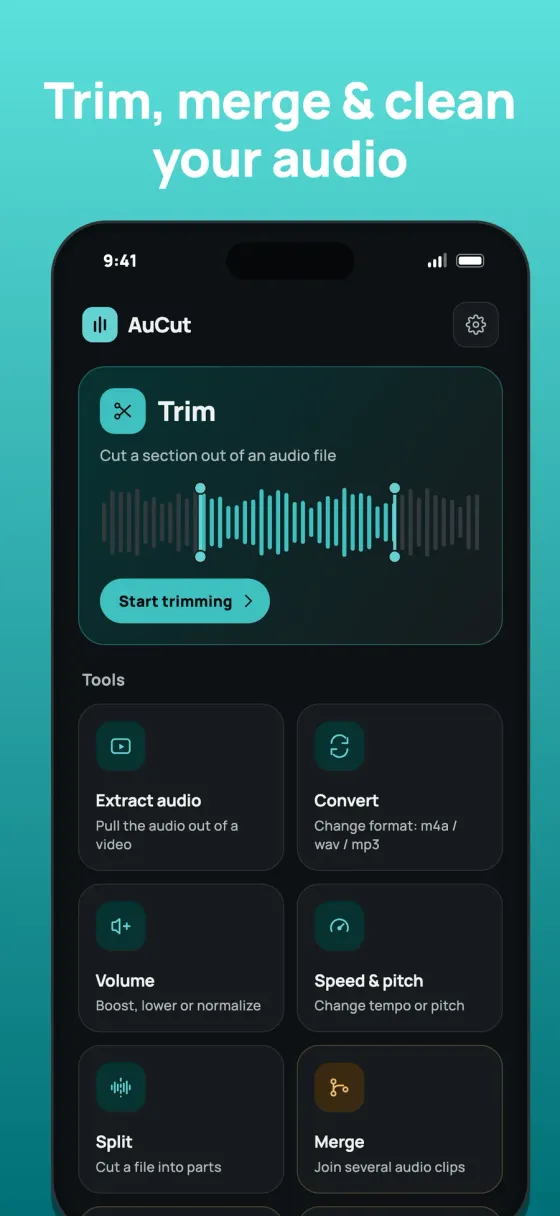

AuCut
Cut audio and extract it from video iOS Android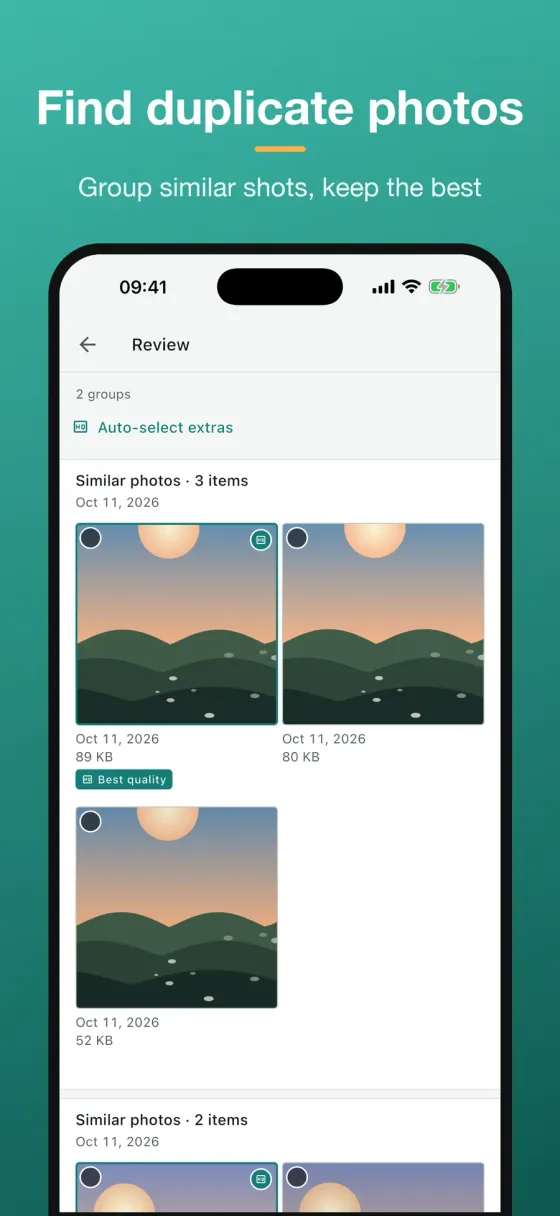

MRecov
Clean up duplicate and blurry photos iOS Android

ResumeX
Tailor your resume to each job with AI iOS Android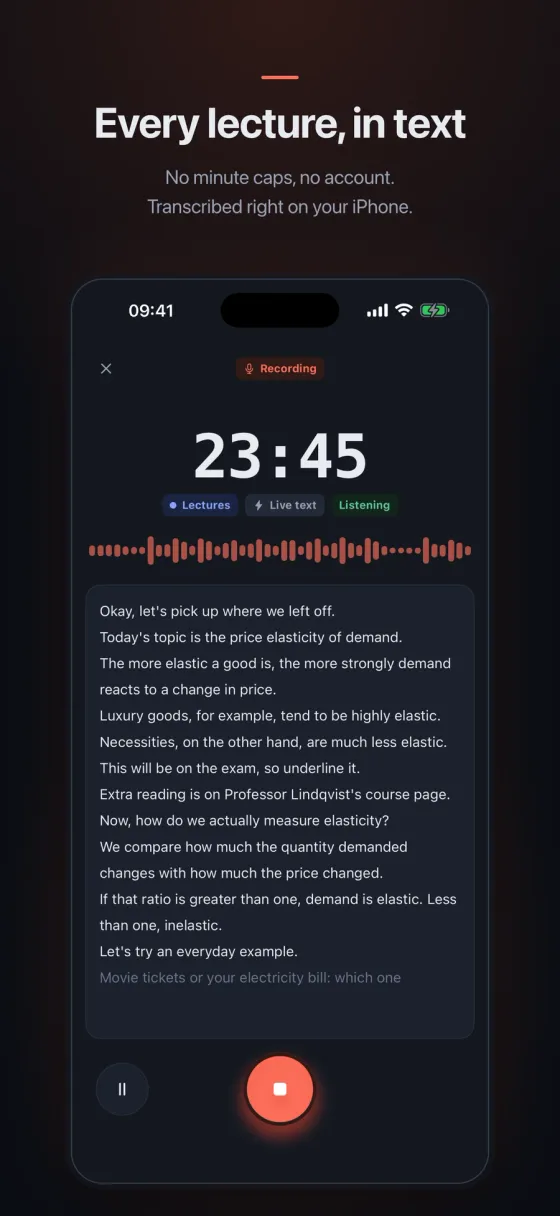

Koedori
Record lectures, transcribe them offline iOS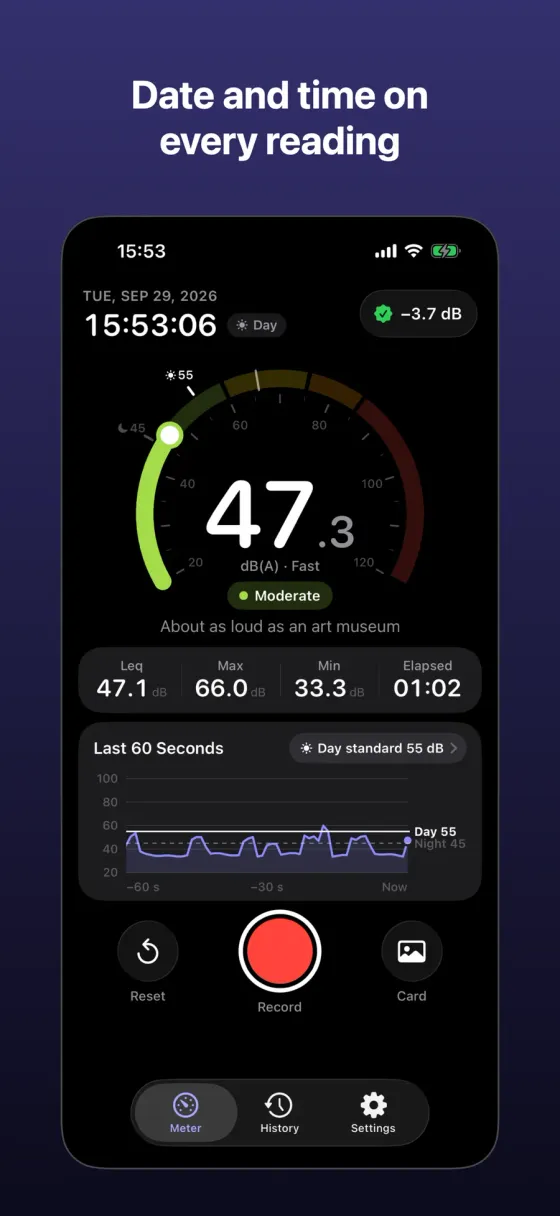

Noise Meter
Decibel meter with date and time iOS

CopyStack
Copy on one device, paste on another iOS Android Web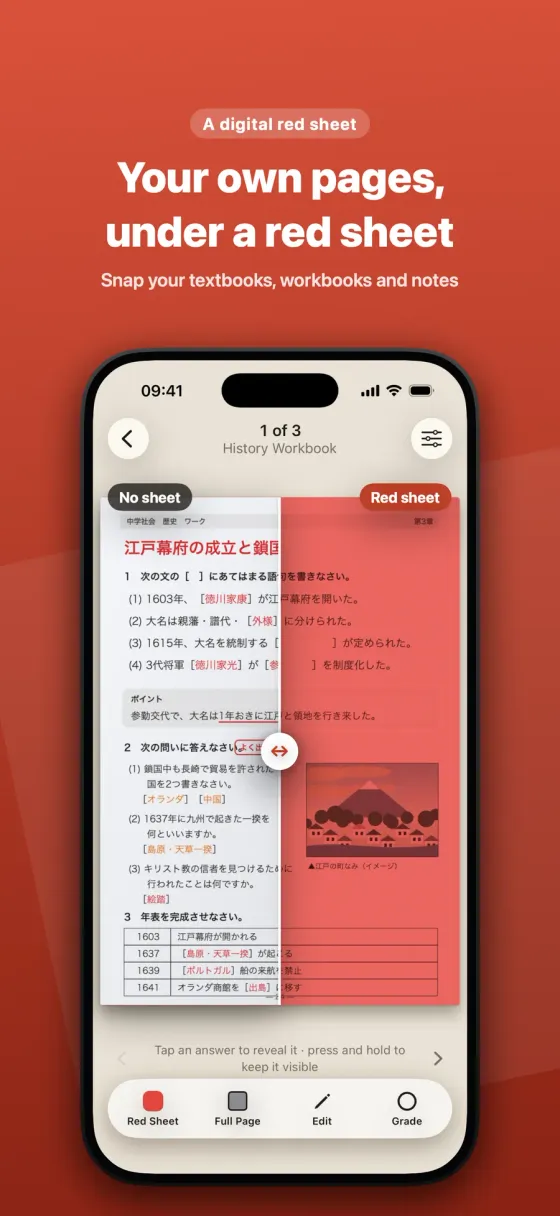

Red Sheet
Turn your notes into a quiz, no typing iOS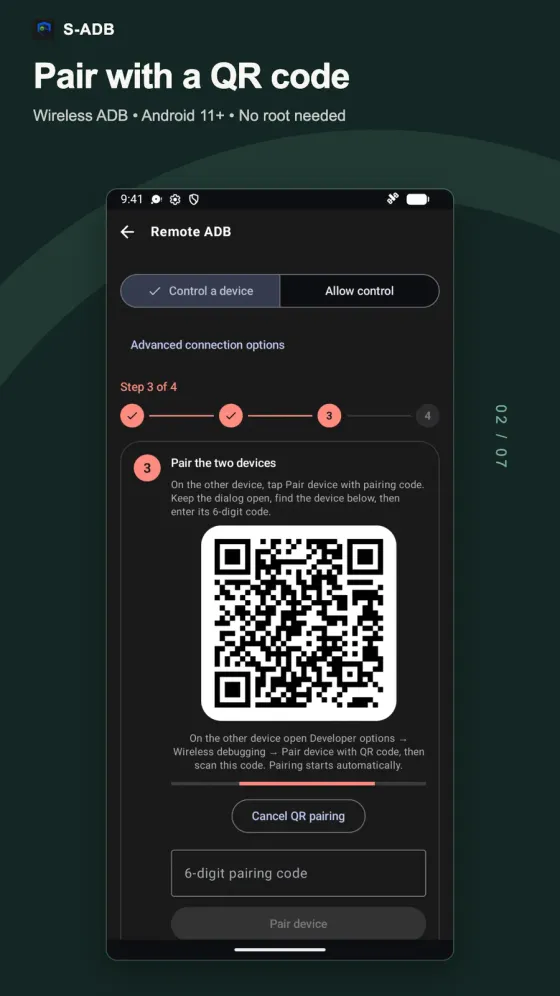

S-ADB
Wireless ADB pairing and Android debug tools Android W Lab × PixelAI Lab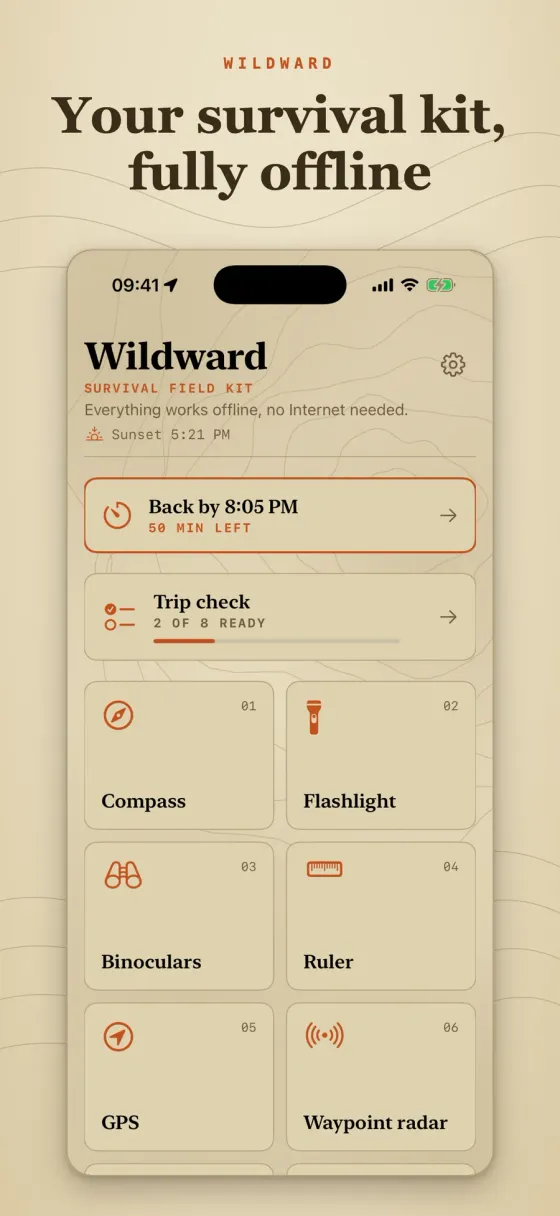

Wildward
Offline survival kit for the outdoors iOS Android Coming soon

Sam
The chief of staff for a whole company of AI agents macOS Windows Linux