 Red Sheet
Step by step
-
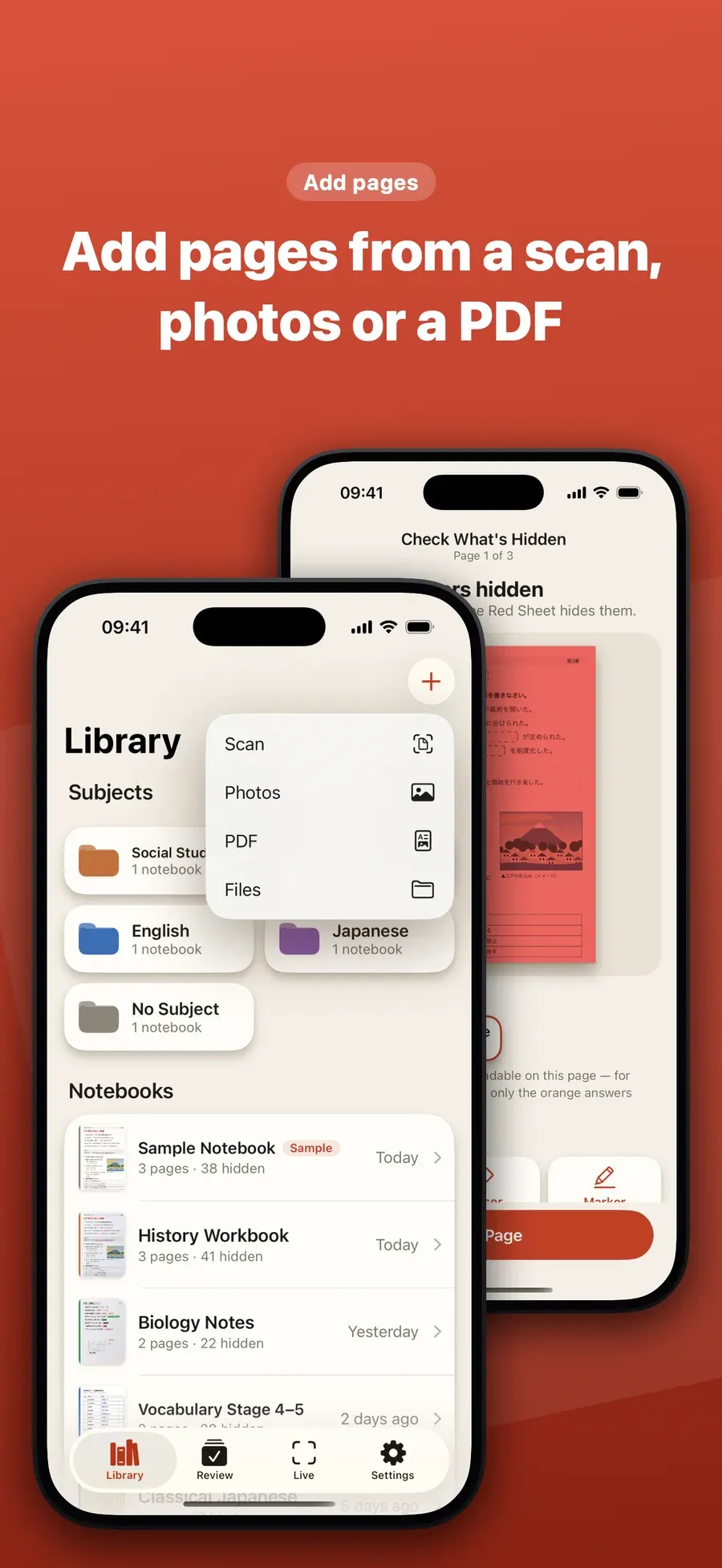
Add the page. Tap + and choose Scan, Photos, PDF or Files. Red Sheet adds the page to a notebook. A sample notebook is on your shelf if you want to try it without the camera.
-
Let Red Sheet hide the answers. It finds what you wrote in red, orange or pink pen and the words under a green highlighter, and hides them. Pick a red, green or blue sheet to match your pens, over the full page or as a band you slide.
-
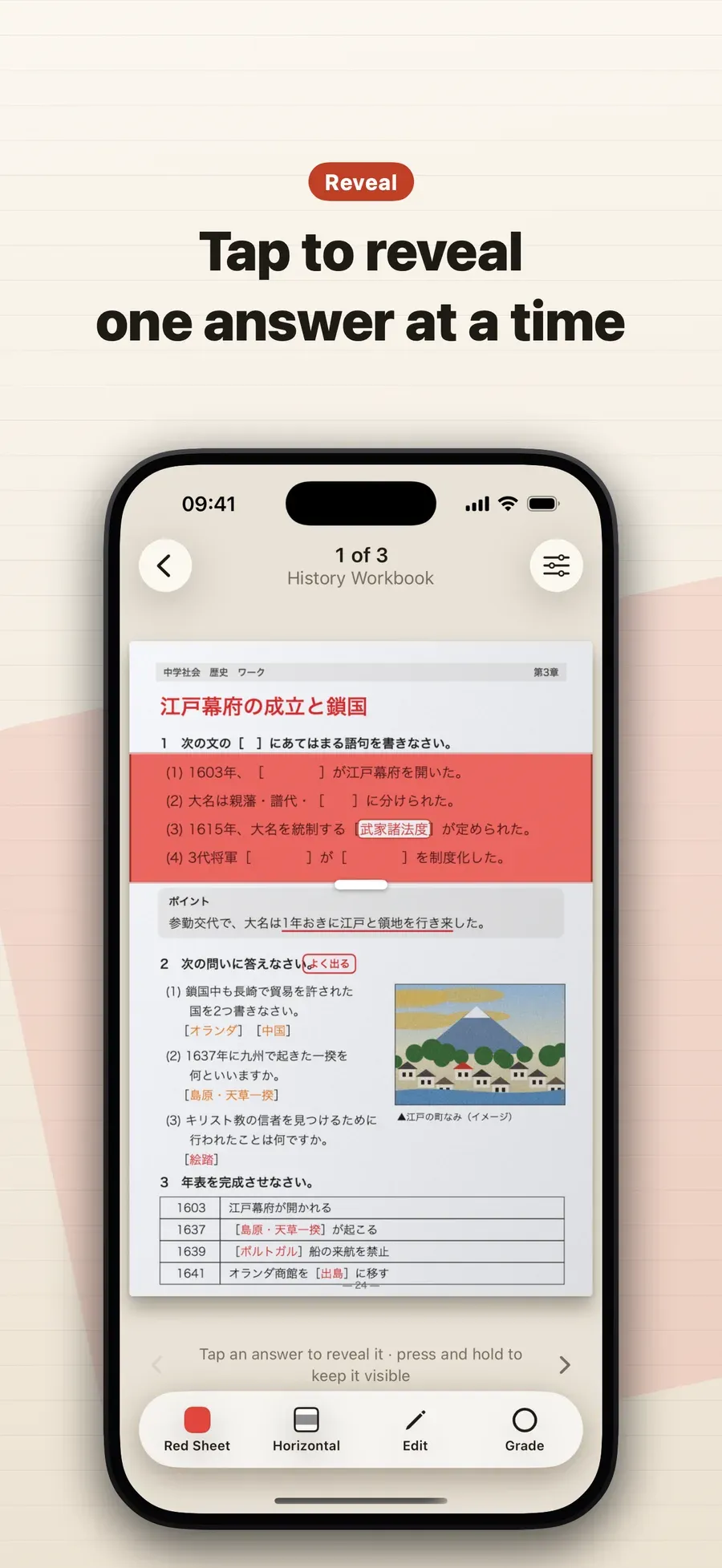
Tap to reveal, one answer at a time. Try to recall the answer first, then tap it to check. A press and hold keeps one visible.
-
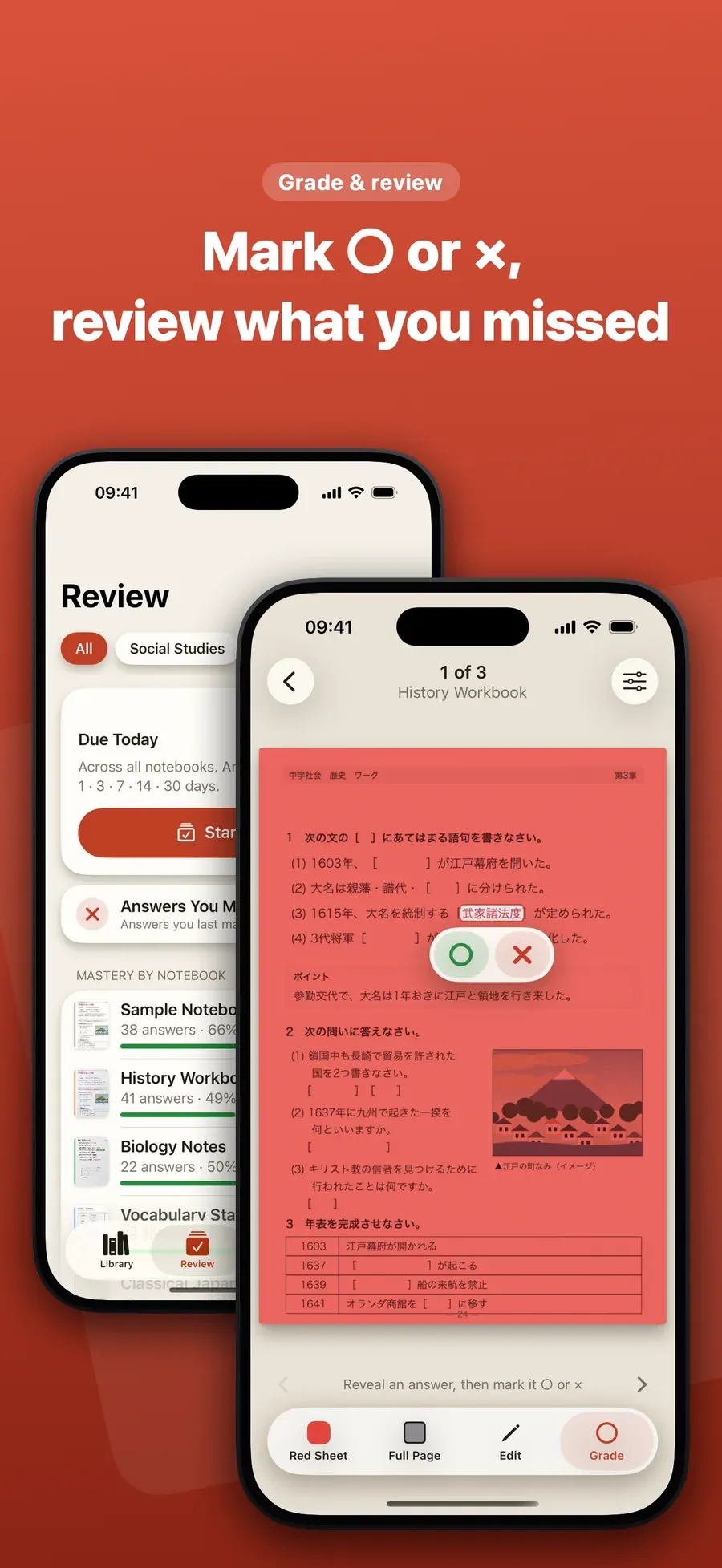
Mark ○ or ×. Tap Grade and mark each answer. The ones you marked × come back the next day in Review.
What it works with
- Workbooks and worksheets, to redo the questions without seeing the answers.
- Notes you made with colored pens and highlighters.
- Textbook pages, turned into fill-in-the-blank practice.
- Vocabulary, terms, dates and formulas for tests and exams.
Other ways to do it
- A real red sheet hides red writing on paper, but you carry it and write your notes by hand.
- Flashcard apps make you type or import each card first.
Questions people ask
Do I have to type my notes into the app?
No. You add the page as a photo, a scan or a PDF, and Red Sheet finds the answers by their color. The page itself becomes the quiz.
What if my notes are all in black ink?
Open the page in Edit and draw a box around the words you want to learn, or draw over them with the marker. They stay hidden until you tap them. See [how to hide words on a textbook page](/guides/hide-words-on-textbook-page-iphone/).

Get Red Sheet
Turn your notes into a quiz, no typing

On the App Store as “Red Sheet - Photo & PDF Study”.