 Red Sheet
What a red sheet does
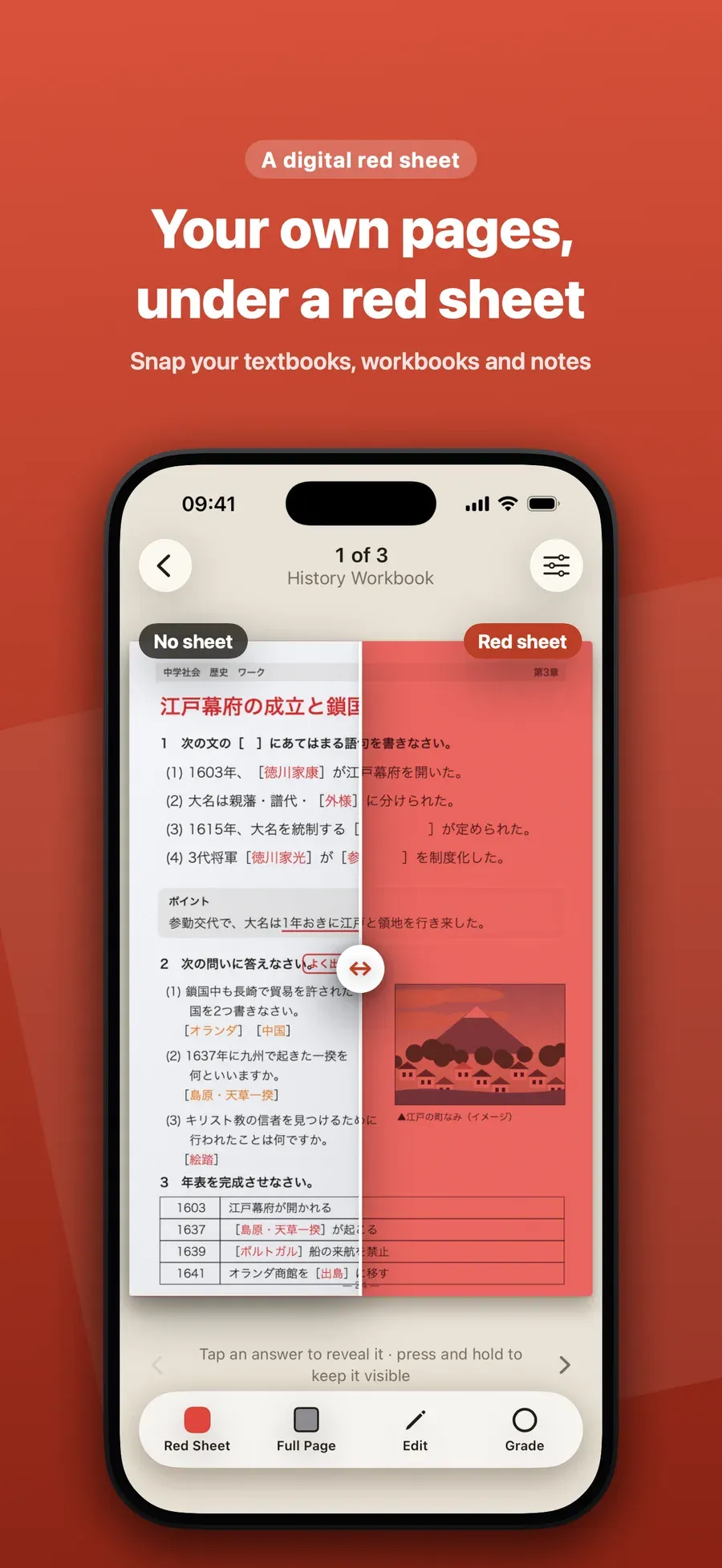
A red sheet is a sheet of clear red plastic that students in Japan lay over their notes. Through it, red and orange writing looks the same color as the paper and disappears, while black text stays dark. You write the answers in red, and the sheet hides them until you check.
Step by step
-
Add your page. Take a photo or scan of your notes, textbook or worksheet in Red Sheet, or add it from your photos or a PDF.
-
Choose a sheet. Tap the sheet button to pick Red Sheet, Green Sheet or Blue Sheet, to match the pens and markers you used.
-
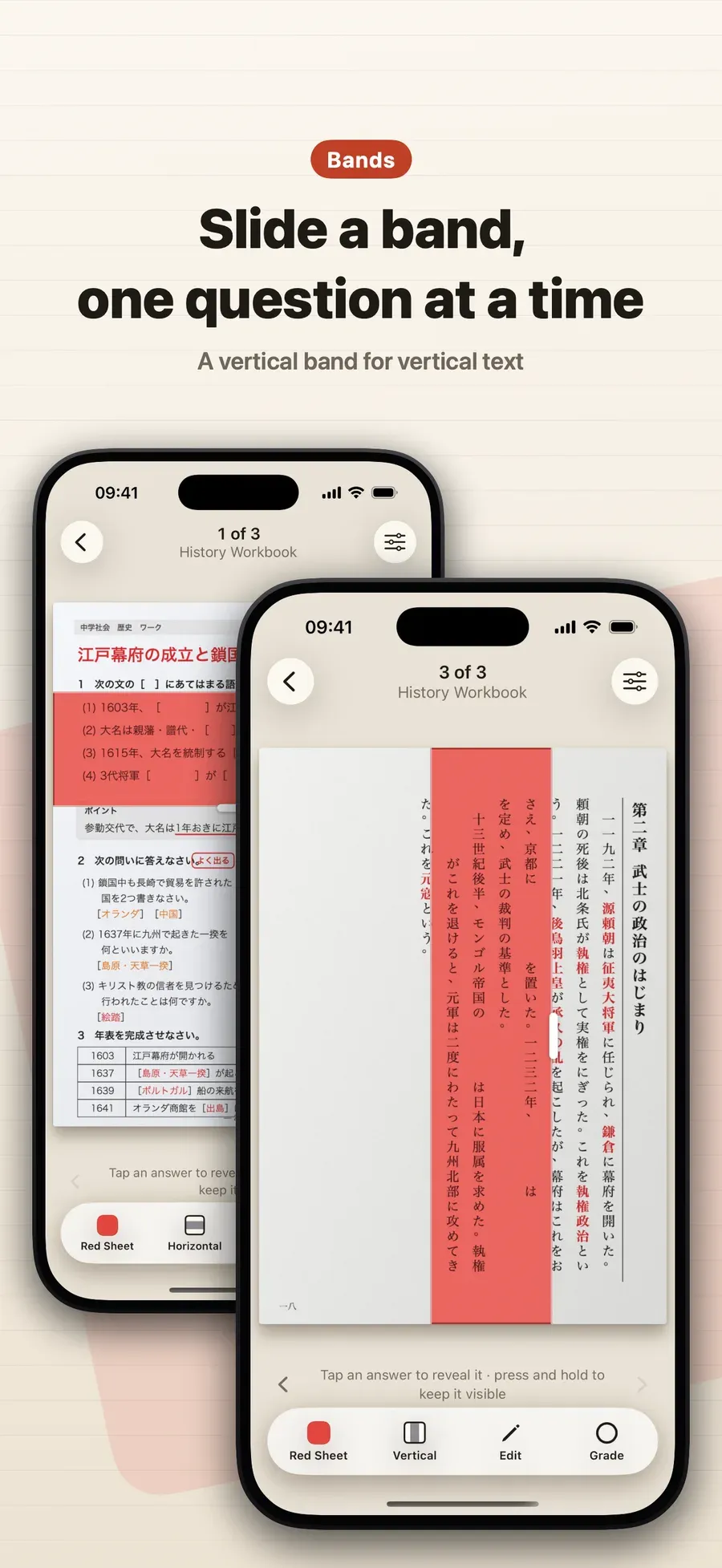
Cover the page or slide a band. Use the full page, or a Horizontal band you slide down the page. For vertical text, use a Vertical band.
-
Tap to reveal. Tap an answer to see it, and mark it ○ or ×.
Good to know
- Hold it over a book. The Live view shows the page through a sheet on screen without taking a photo.
- On iPad, the same pages sync through your own iCloud, and you can draw with Apple Pencil.
Other ways to do it
- A plastic red sheet and a cheat-sheet pen work on paper, and you carry them everywhere.
- Screen filters tint the whole screen but don’t hide the answers on your own pages.
Questions people ask
Do I still need a real red sheet?
No. Red Sheet puts a red, green or blue sheet over your page on the screen, so you don’t carry the plastic one.
Can I use a band instead of covering the whole page?
Yes. Lay the sheet over the full page, or slide a horizontal band down it. A vertical band suits vertical text.

Get Red Sheet
Turn your notes into a quiz, no typing

On the App Store as “Red Sheet - Photo & PDF Study”.