 Red Sheet
Step by step
-
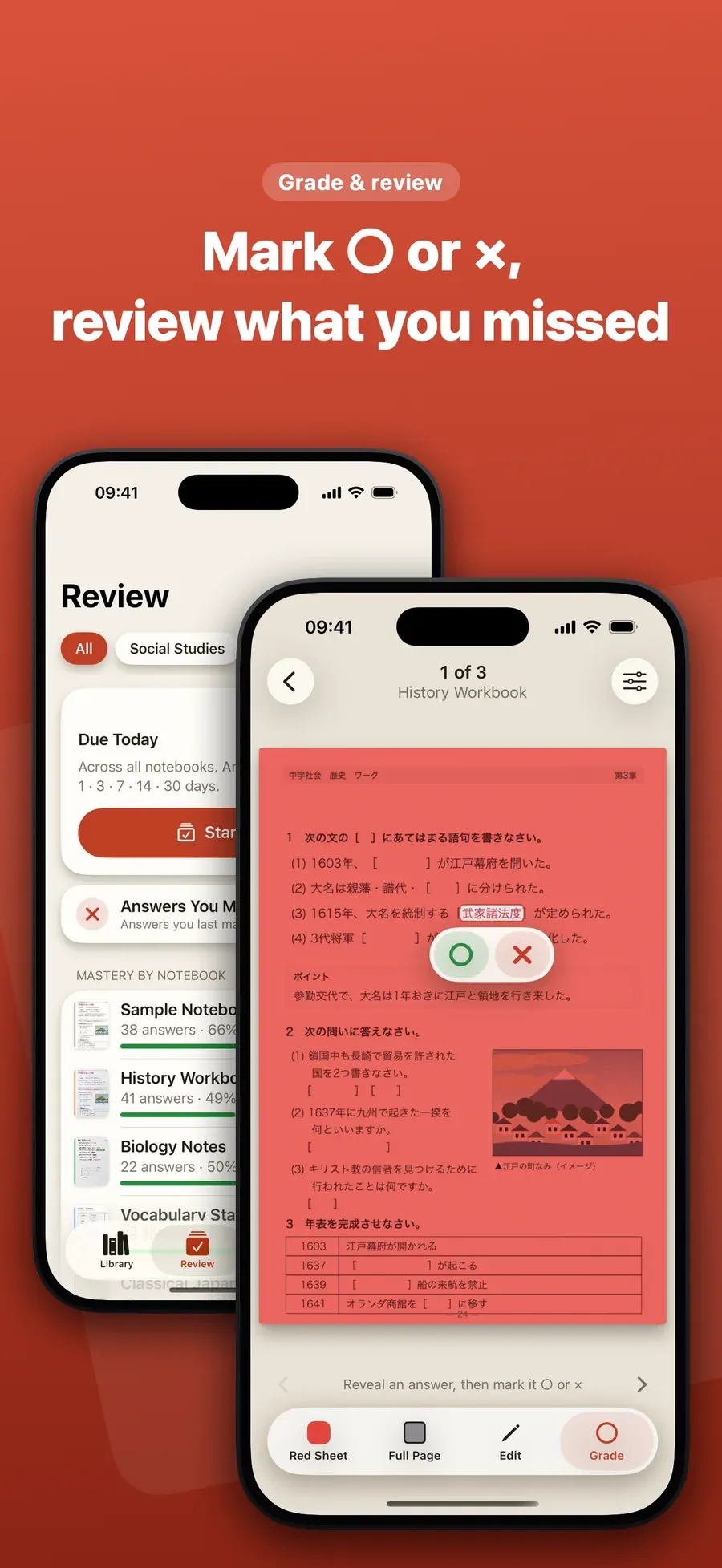
Study a page. Open a page with a sheet over it and tap each answer to reveal it after you try to recall it.
-
Mark ○ or ×. Tap Grade and mark each answer: ○ if you knew it, × if you didn’t.
-
Come back tomorrow. Open the Review tab. It has today’s review, with the answers that are due, and a round of only the answers you missed.
-
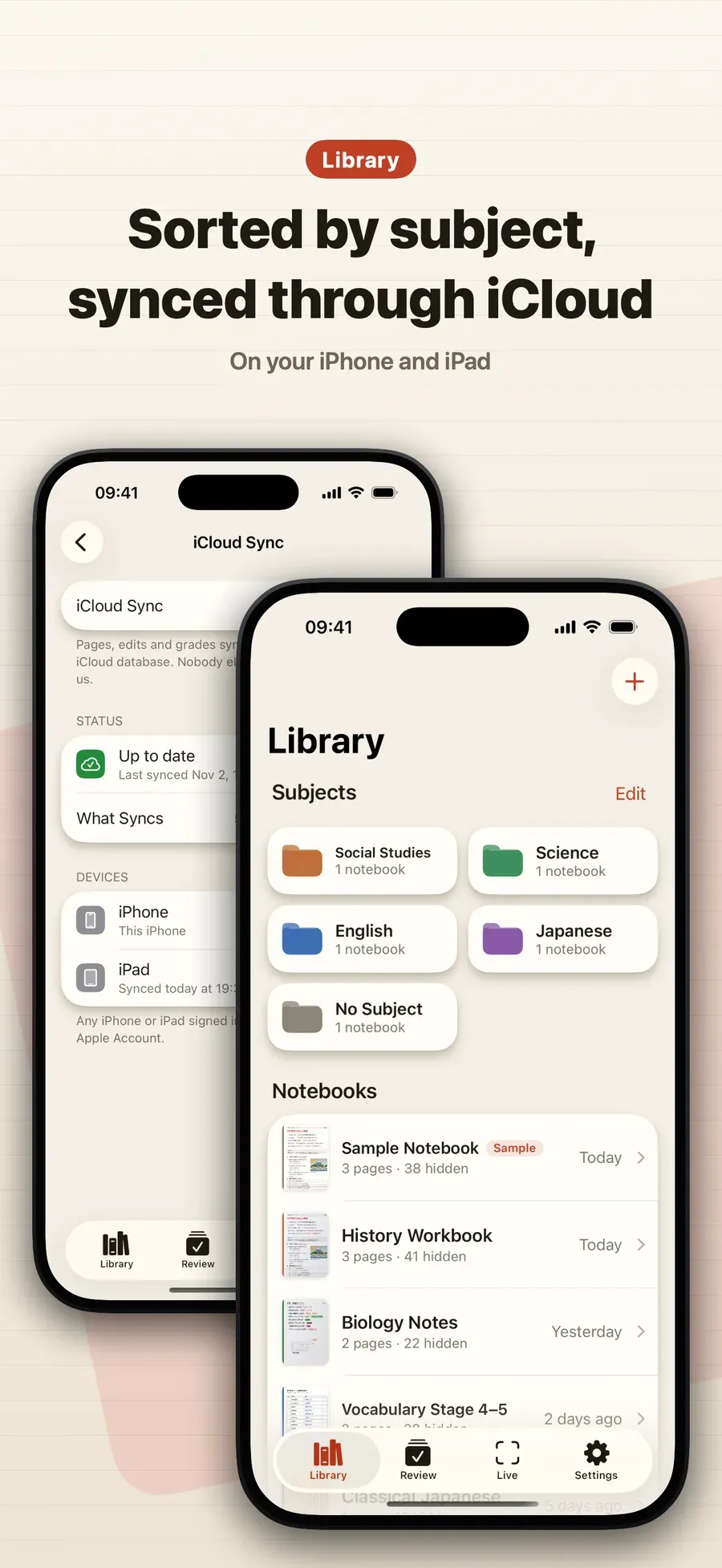
Keep your notebooks tidy. Notebooks sit on your Library shelf by subject. Make subjects of your own and rename, recolor and reorder them.
Why it works
- Active recall: you try to remember the answer before it is shown.
- Spacing: answers you missed come back soon, and answers you know come back after longer gaps.
- Your own material: you study from the pages you already made.
Other ways to do it
- Flashcard apps use spaced repetition too, but you build the cards first.
- A paper planner can schedule reviews, and you track them yourself.
Questions people ask
How soon does a missed answer come back?
The next day. An answer you marked × comes back the next day, and answers you know come back after longer gaps.
Can I review only what I got wrong?
Yes. The Review tab has a round of only the answers you missed, as well as today’s review.

Get Red Sheet
Turn your notes into a quiz, no typing

On the App Store as “Red Sheet - Photo & PDF Study”.