 Red Sheet
Red, Green and Blue Sheet: Which Pens and Highlighters Does Red Sheet Hide?
Published · Updated · W Lab
What each sheet hides
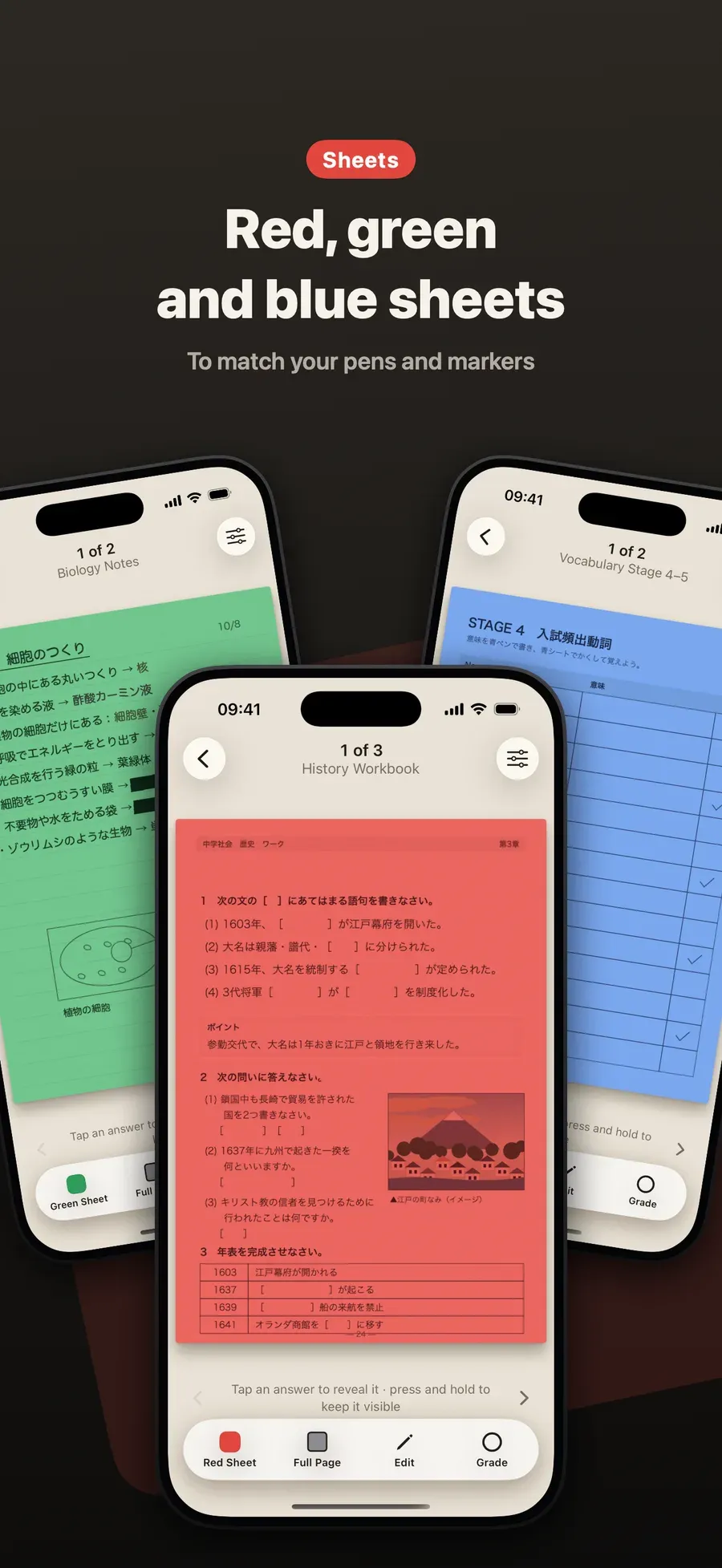
- Red Sheet hides red, orange and pink pen, and words under a green highlighter.
- Green Sheet hides words under a pink highlighter.
- Blue Sheet hides blue check pen.
Step by step
-
Add your page from the scanner, your photos or a PDF.
-
Pick the sheet that matches your pens. Tap the sheet button and choose Red Sheet, Green Sheet or Blue Sheet.
-
Tap to reveal each answer, then mark it ○ or ×.
Tips
- Write answers in a color your sheet hides.
- Use two sheets on one page. Switch from red to green to check a second set of answers.
- Anything else: box or draw over words in Edit.
Other ways to do it
- A real colored sheet only works with matching ink on paper.
- Phone color filters tint the whole screen but don’t hide specific answers.
Questions people ask
Why does red writing disappear under a red sheet?
Through red plastic, red and orange writing looks the same color as the paper, so it seems to vanish, while black text stays dark. Red Sheet does the same to the page on your screen.
Can I change how dark the sheet is?
Yes. The sheet’s darkness can be changed in the app.

Get Red Sheet
Turn your notes into a quiz, no typing

On the App Store as “Red Sheet - Photo & PDF Study”.