 AuCut
Step by step
-
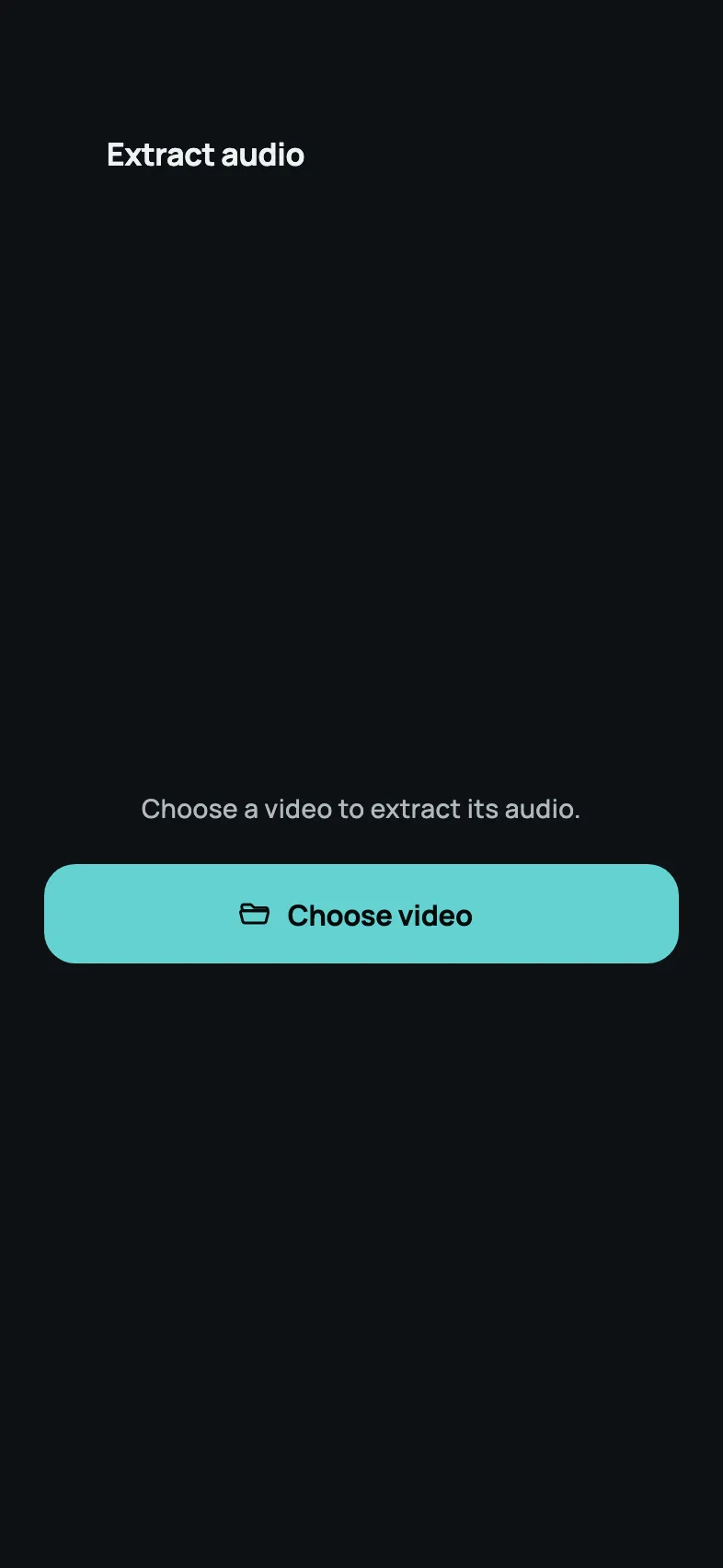
Open Extract audio and choose your video. On AuCut’s home screen, tap Extract audio, then Choose video and pick the video from your photo library or the Files app.
-
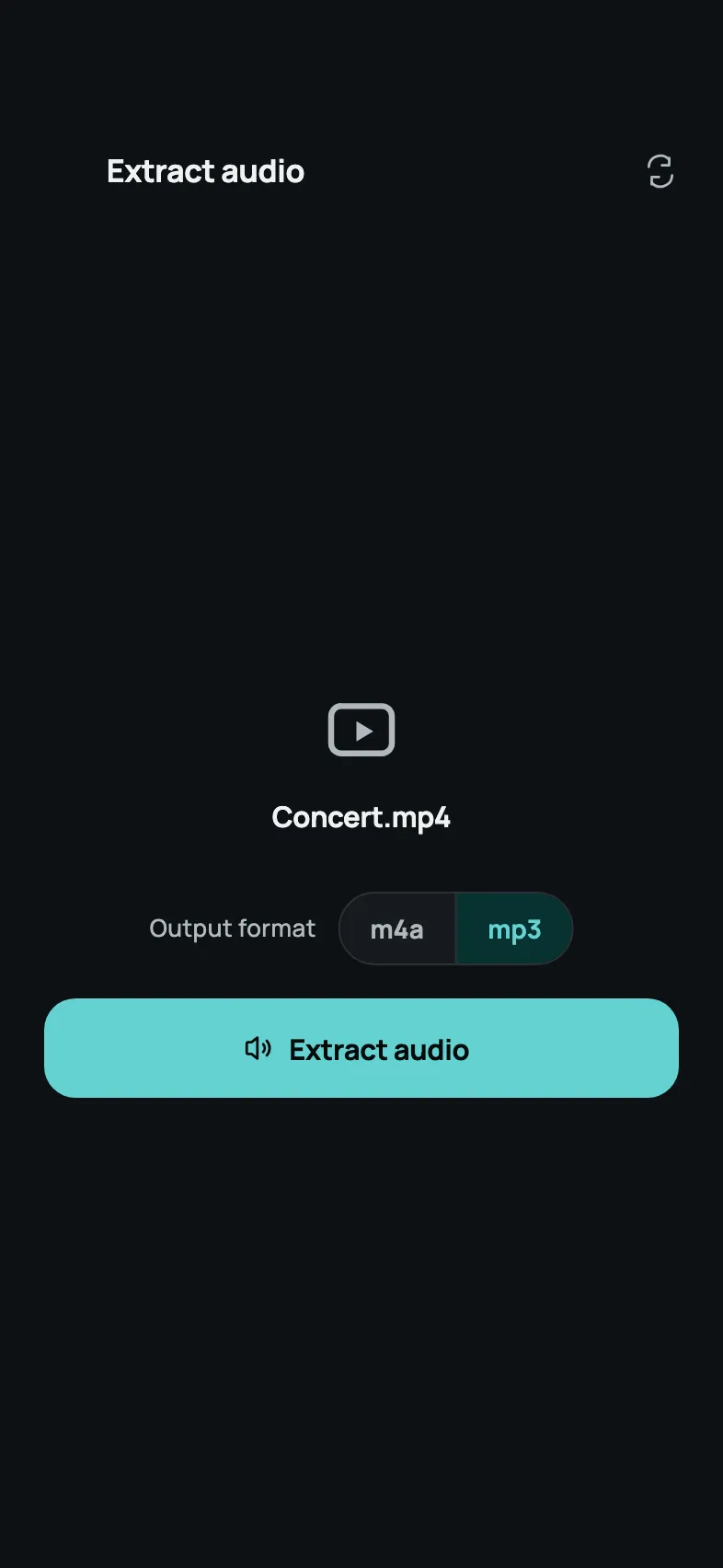
Pick mp3 or m4a, then tap Extract audio. The video’s name appears with the Output format switch under it. Choose the format and tap Extract audio. AuCut does the work on your iPhone, so nothing is uploaded and you don’t need a connection.
-
Save or share the audio. When AuCut shows Audio extracted!, tap Preview to listen, Share to send the file to another app, or Save file to choose a folder for it in the Files app.
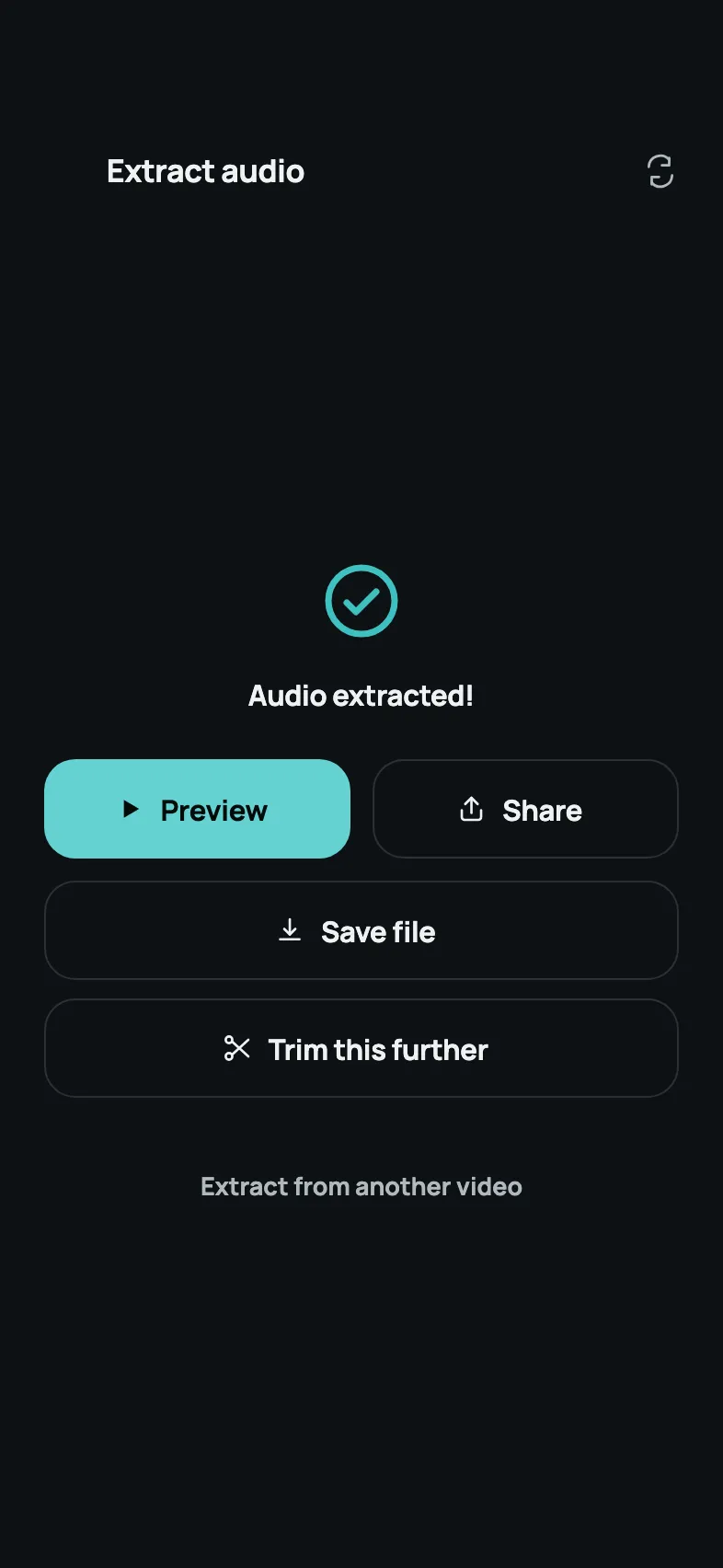
AuCut also opens videos shared to it from other apps, so you can start from the share button too.
Which videos work
AuCut extracts audio from MP4, MOV, M4V, 3GP, AVI and MKV files. That covers the videos your iPhone records, which are MOV files, as well as the MP4 files most other apps and websites use.
MP3 or M4A?
- M4A keeps good quality in a small file and plays on every Apple device. It’s the format Voice Memos records in.
- MP3 plays almost everywhere else: car stereos, older music players, Windows PCs and most websites that take audio uploads.
Need WAV? Open the result in AuCut’s Convert tool, which switches between MP3, M4A and WAV.
Keep only part of the sound
On the result screen, tap Trim this further. AuCut opens the audio in its trimmer, where you drag the two ends of the waveform to keep only the part you want and fine-tune each cut to a tenth of a second. Trimming is free too.
Other ways to do it
- Apple’s Shortcuts app is already on most iPhones and can save a video’s sound with its Encode Media action set to Audio Only. You build the shortcut yourself, and it saves M4A.
- Online converters work in Safari without installing anything, but the whole video is uploaded to someone else’s server first, which is slow on mobile data and means handing over your video.
Questions people ask
Is AuCut free for extracting audio?
Yes. Extracting audio is free in AuCut, and so are trimming and converting. AuCut is free to download on the App Store, and on Android it's the same app as “adTrim: Offline Audio Tools” on Google Play.
Can I extract audio from a video on iPhone without an app?
Yes, without AuCut you can use Apple's Shortcuts app or an online converter. Shortcuts needs a shortcut you build yourself and saves M4A, and a converter uploads your whole video. AuCut skips both and extracts the audio on your iPhone in a few taps.
Does extracting audio with AuCut work offline?
Yes. AuCut extracts the audio on your iPhone, so it works without an internet connection, and the video never leaves your phone.

Get AuCut
Cut audio and extract it from video


On the App Store as “AuCut: Audio Cutter & Editor”. On Google Play as “adTrim: Offline Audio Tools”.